

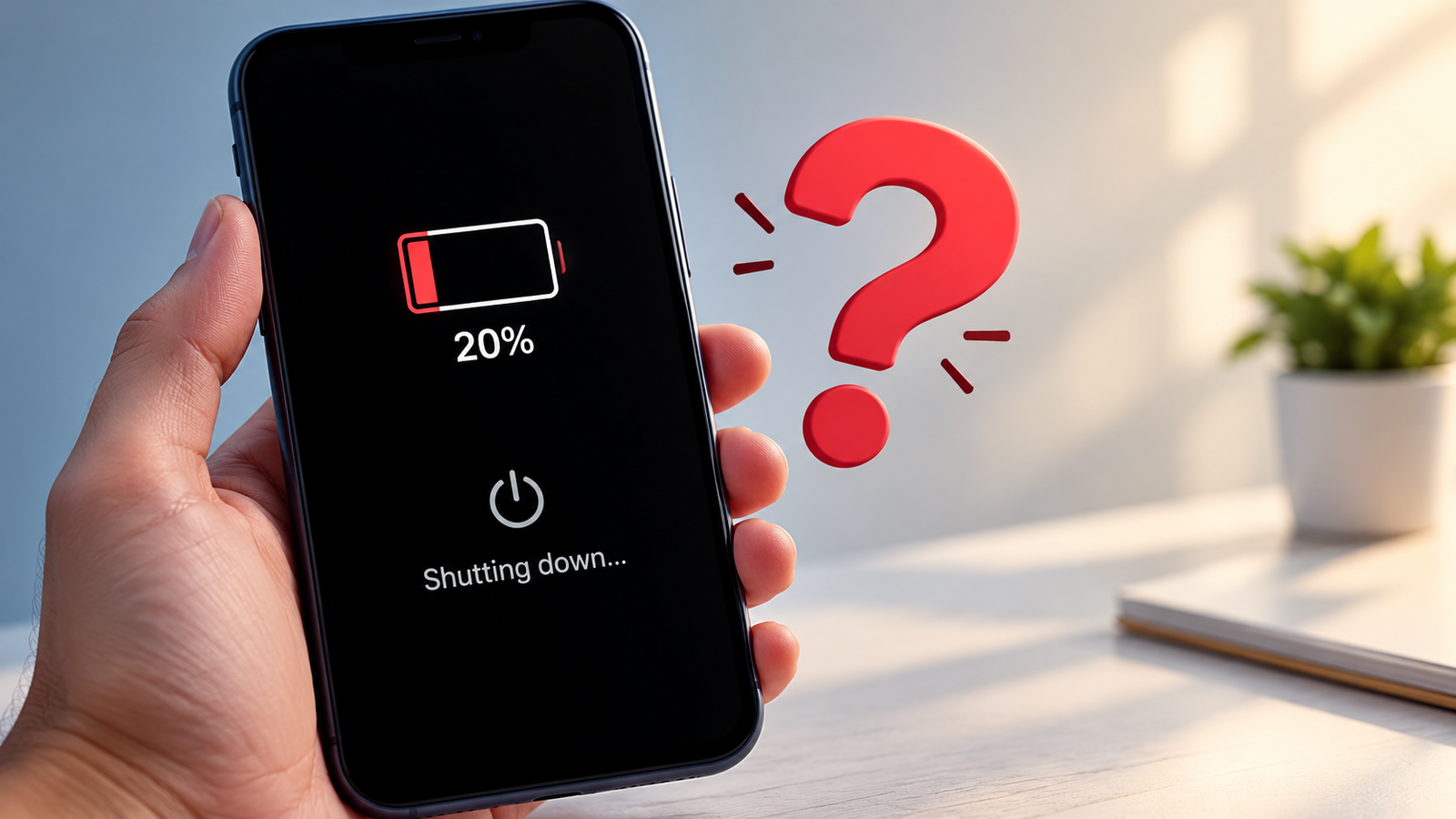
Have you ever looked at your phone and seen 20% battery left, only for the phone to suddenly turn off?
It can be confusing, especially when you thought you still had plenty of battery for another hour or two. You may even turn the phone back on and find that the battery percentage has changed dramatically. Sometimes it may show 10%, 5%, or even 1%.
So, why does this happen?
In most cases, a phone that shuts down with 20% battery left is dealing with one of a few common problems. The battery may have become weaker with age, the battery percentage may not accurately reflect the battery’s actual condition, the phone may be under heavy load, or temperature may be affecting battery performance.
The good news is that this does not always mean your phone is about to fail. There are several things you can check before paying for a battery replacement.
Why Does a Phone Shut Down With 20% Battery Left?
The battery percentage shown on your phone is not a direct measurement of how much usable energy is sitting inside the battery. It is an estimate calculated using battery information, voltage, temperature, usage and other factors.
As a battery gets older, that estimate can become less useful because the battery no longer behaves like it did when it was new.
Samsung explains that battery deterioration can cause a sudden voltage drop, which may make a phone shut down even when the screen still shows a significant amount of battery remaining. Apple also says unexpected shutdowns are more likely when a battery has a low state of charge, higher chemical age, or is exposed to colder temperatures.
This is why a phone showing 20% does not always mean it can safely keep running.
1. Your Battery May Be Getting Old
One of the most common reasons for this problem is battery aging.
Smartphone batteries are rechargeable lithium-ion batteries. They naturally lose capacity as they are used over time. This does not usually happen all at once. Instead, the battery gradually becomes less capable of holding and delivering power.
When the battery was new, 20% might have represented enough usable power to keep the phone running comfortably. After years of use, that same displayed 20% may not provide the same amount of usable power.
Samsung lists unexpected shutdowns and a major drop in battery life as common signs of battery deterioration.
This problem becomes especially noticeable when your phone is doing something demanding, such as:
- Playing games
- Recording video
- Using the camera for long periods
- Running navigation
- Using mobile data heavily
- Running several apps at once
These activities can require a sudden increase in power. A weak battery may struggle to provide that power and the phone can shut down.
2. The Battery Percentage May Not Match the Real Battery Condition
Your phone has systems that estimate the battery level. The percentage on the screen is useful, but it is still an estimate.
A phone may sometimes appear to have 20% left while the battery voltage has already dropped to a level where the device cannot continue operating reliably.
This is why some phones appear to “skip” battery percentages. For example, you may see 22%, then the phone suddenly turns off. After turning it back on and charging it, the percentage may look very different.
This can happen because the phone’s battery reading and the battery’s real condition are not always perfectly aligned.
A calibration issue can sometimes contribute to incorrect readings, but it is important not to assume that calibration will fix every battery problem. Google notes that most Android users do not need to regularly calibrate their batteries, while battery-related diagnostics should be used when readings or battery behavior appear unusual.
3. Cold Temperatures Can Cause Sudden Shutdowns
Temperature can make a big difference to battery performance.
If you use your phone in very cold conditions, the battery may temporarily struggle to deliver the power the phone needs. This can cause the voltage to fall quickly and trigger a shutdown.
Apple specifically lists colder temperatures as a condition that can make unexpected shutdowns more likely. Samsung also says that extremely cold environments can cause a greater voltage drop and may lead to the phone switching off.
You may notice this problem more often when:
- You are outside during very cold weather
- Your phone has been left in a cold car
- You are using the phone outdoors in winter
- The battery is already old or worn
In some cases, the phone may work normally again once it returns to a normal temperature.
4. Heavy Apps Can Trigger the Shutdown
Your phone may still have 20% battery, but that does not mean it has enough power to handle every task.
Games, video recording, navigation and other demanding applications can put a much bigger load on the battery than simply reading messages or browsing a website.
Samsung recommends checking battery usage and looking for apps that consume a large amount of power. Google also recommends checking battery usage and restricting apps that use too much battery in the background.
Imagine your battery as a water tank. Having water in the tank is one thing, but the system also needs enough pressure to deliver it when demand increases.
A worn battery can have energy remaining but still struggle when the phone suddenly needs more power.
5. A Software Problem Could Be Causing It
Not every unexpected shutdown is caused by the battery itself.
Sometimes a system error, problematic app, failed update or temporary software problem can cause the phone to shut down or restart unexpectedly.
This is more likely to be worth investigating when your phone is relatively new and the shutdown happens randomly rather than mainly when the battery is low.
After a major software update, you may also notice unusual battery behavior for a short period. Google says Pixel phones can use more battery than usual after a software update while the device downloads and optimizes new software.
If the problem started immediately after an update, keep track of whether the issue continues for several days.
6. Your Phone May Be Overheating
Heat is another possible factor.
When a phone becomes too hot, its software and hardware can take steps to protect the device. Battery performance can also be affected by high temperatures.
Google recommends keeping phones cool because heat can increase battery drain and damage battery health over time. Samsung recommends using Galaxy devices within an appropriate temperature range and warns that prolonged exposure to extreme temperatures can contribute to battery deterioration and unexpected shutdowns.
Pay attention to whether the shutdown happens when you are:
- Charging and using the phone at the same time
- Playing demanding games
- Recording video
- Using navigation in direct sunlight
- Using the phone in a very hot environment
If your phone becomes unusually hot even during simple tasks, that is worth investigating.
How to Check if Your Battery Is the Problem
Before replacing anything, check the battery information available on your phone.
On iPhone
The location can vary slightly depending on the iPhone model and iOS version, but you can generally go to:
Settings > Battery > Battery Health
On newer iPhones, Apple provides battery health information and may show a service recommendation if the battery needs attention. Apple says that when “Service” appears next to Battery Health, you should consider replacing the battery to restore full performance and capacity.
Also look at your battery usage. If one app is consuming far more power than expected, that app may be part of the problem.
On Samsung Galaxy
Samsung provides battery and device diagnostic options through its settings and Samsung Members app.
Samsung says that if a Galaxy phone frequently shuts down unexpectedly, drains quickly or has charging problems, the battery may have reached the point where it needs inspection or replacement.
On Google Pixel
Pixel phones include battery diagnostics on supported devices. Google says battery diagnostics are available on Pixel 6 and later, including Fold models. You can find them under:
Settings > Battery > Battery diagnostics
Google also provides a Device Health and Support section on supported Pixel phones where you can review battery health and other device information.
What Should You Do When Your Phone Shuts Down at 20%?
Start with the simple checks first.
Use the phone normally for a few days and pay attention to when the shutdown happens. Write down the battery percentage, what you were doing, whether the phone was hot or cold, and whether the problem happens repeatedly.
This information can make the cause much easier to identify.
Also check which apps are using the most battery. If one app suddenly starts using a large amount of power, updating or removing that app may help.
Make sure your operating system and apps are updated. A temporary software problem can sometimes be fixed through an update.
Try to avoid using the phone in extreme temperatures. Give it time to return to a normal temperature before using it heavily.
It is also a good idea to use a reliable charger and cable. Google recommends using the power adapter provided with the phone or one recommended by the manufacturer.
Should You Calibrate Your Phone Battery?
Battery calibration is often mentioned online as a solution to battery percentage problems, but you should not treat it as a magic fix.
Modern smartphones already use software and hardware systems to estimate battery level. Google says most Android users never need to calibrate their battery unless they are seeing inaccurate readings.
If your phone regularly shows 20%, suddenly shuts down, and then shows a very different percentage after restarting, there may be a battery reading problem. However, repeated unexpected shutdowns can also indicate a battery that has physically deteriorated.
It is better to diagnose the problem rather than repeatedly draining the phone to zero.
Google specifically says you do not need to regularly teach the phone its battery capacity by repeatedly going from full charge to zero.
When Should You Replace the Battery?
If the phone is several years old and the problem keeps happening, battery replacement may be the simplest solution.
Look for several symptoms appearing together:
- Battery life has become much shorter
- The phone shuts down before reaching 0%
- Battery percentage changes suddenly
- The phone gets unusually hot
- The battery drains very quickly
- The phone struggles during demanding tasks
- Battery diagnostics show poor battery condition
Samsung specifically recommends having the battery checked when a Galaxy phone frequently shuts down unexpectedly or shows a major drop in battery life.
Do not try to open or replace a built-in phone battery yourself unless you have the proper tools and experience. A damaged lithium-ion battery can be dangerous. Using an authorized or qualified repair service is the safer option.
Can You Prevent Your Phone From Shutting Down at 20%?
You cannot completely prevent shutdowns caused by an aging battery, but good battery habits can help reduce unnecessary stress on the battery.
Keep the phone away from extreme heat and cold. Avoid leaving it inside a hot car or using it for long periods while it is extremely hot.
Watch which apps use the most battery and restrict unnecessary background activity when appropriate. Keep your phone updated and use battery-saving features when the battery is getting low.
You can also avoid waiting until the last few percent before charging when you know you will need the phone for a long period.
On supported devices, features such as Adaptive Battery, battery optimization, Low Power Mode and battery protection settings can help manage power use. Google, Apple and Samsung all provide battery-management features, although the exact settings depend on the phone model and operating system.
Why Does It Sometimes Turn Back On With a Different Percentage?
This is one of the most confusing parts of the problem.
Suppose your phone shuts down at 20%. You connect the charger, turn it back on, and suddenly the phone says 8%.
That does not necessarily mean the charger removed 12% of the battery.
Instead, the shutdown may have happened because the battery could no longer provide enough voltage for the phone to continue operating. Once the phone is restarted and the battery conditions change, the software may calculate a different remaining level.
A heavily worn battery can make these changes much more noticeable.
That is why a sudden change from 20% to a much lower number after a shutdown can be an important sign that the battery needs to be checked.
Why This Problem Is More Common on Older Phones
Battery aging is one of the main reasons this issue becomes more common as a phone gets older.
Over time, a lithium-ion battery loses some of its ability to store energy and deliver power efficiently. The problem may not be obvious at first. You might simply notice that the phone does not last as long as it used to.
Later, you may start seeing more serious signs, such as sudden shutdowns, fast battery drain or large changes in the displayed battery percentage.
Samsung describes shorter battery life and unexpected shutdowns as signs associated with battery deterioration.
So, if your three-year-old phone starts shutting down at 20% while it worked normally when new, battery wear should be one of the first things you check.
Final Thoughts
A phone that suddenly shuts down with 20% battery left is usually trying to tell you that something is wrong with the way its remaining power is being delivered or measured.
An aging battery is one of the most common explanations, but it is not the only one. Cold temperatures, overheating, demanding apps, software problems and inaccurate battery readings can also play a role.
Start by checking battery health and battery usage on your phone. Pay attention to when the shutdown happens and whether there are other warning signs. If the problem keeps happening, especially on an older phone, having the battery professionally checked is a much better option than repeatedly trying random fixes.
A single unexpected shutdown may not be serious. But if your phone repeatedly turns off while showing 20%, 30% or even higher battery levels, it is worth taking the problem seriously.
Frequently Asked Questions
Q1. Why does my phone shut down at 20% battery?
Answer:
The most common reason is an aging or weakened battery that can no longer deliver enough power when the phone needs it. Cold temperatures, heavy apps, overheating or inaccurate battery readings can also cause unexpected shutdowns.
Q2. Is it normal for a phone to turn off with 20% battery left?
Answer:
It should not happen regularly. An occasional shutdown can be caused by a temporary software or temperature problem, but repeated shutdowns at 20% or higher may indicate battery deterioration or another hardware issue.
Q3. Should I replace my battery if my phone shuts down at 20%?
Answer:
Not necessarily after one incident. Check the battery health and usage information first. If the phone is older, the battery drains quickly and unexpected shutdowns keep happening, a battery inspection or replacement may be appropriate.
Q4. Can battery calibration fix a phone that shuts down at 20%?
Answer:
Calibration may help when the battery percentage is inaccurate, but it will not repair a physically worn battery. Modern Android phones generally do not need regular calibration, so repeated shutdowns should be investigated rather than repeatedly draining the battery to zero.