

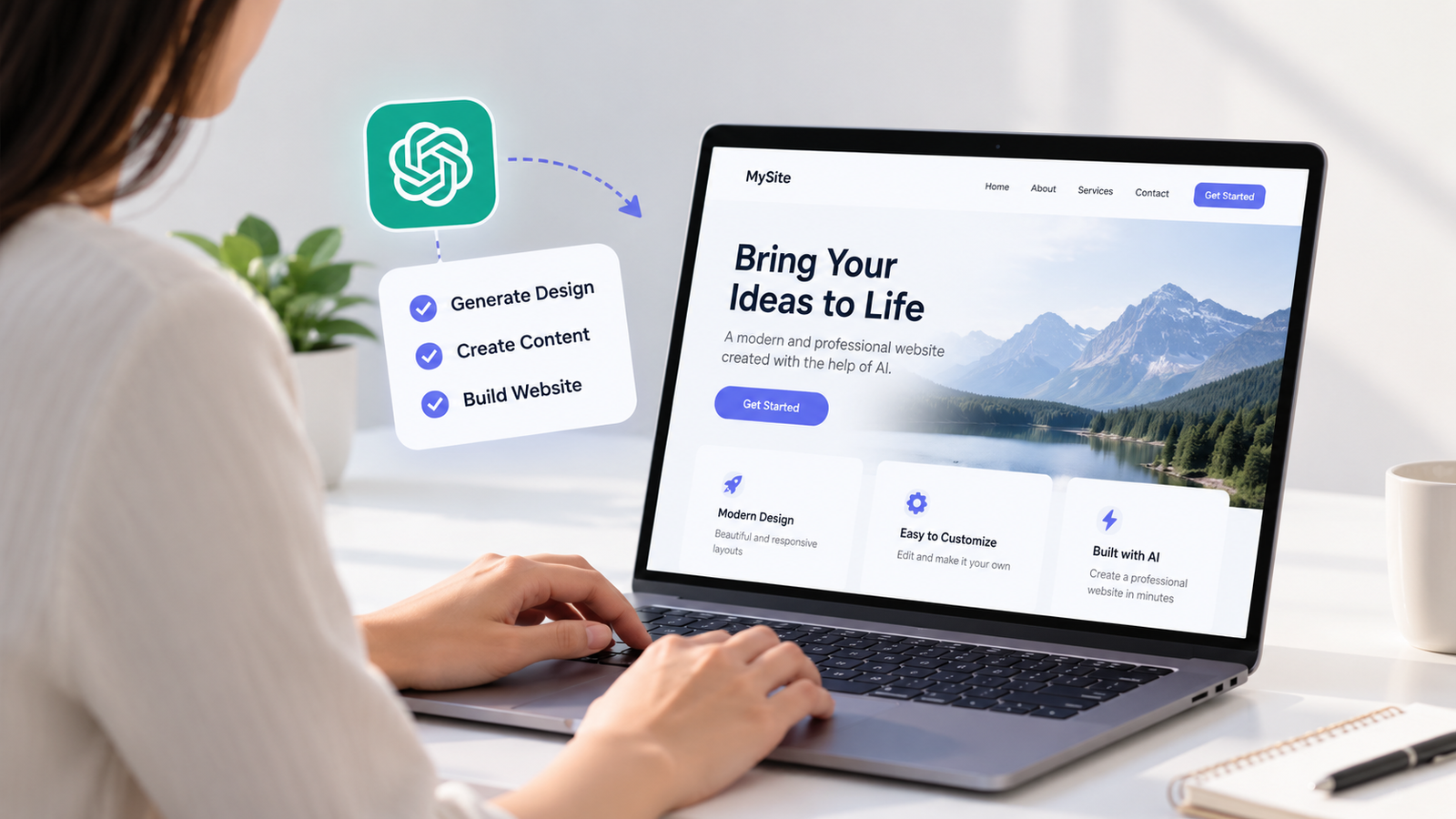
Creating a professional website no longer requires advanced coding skills or a large budget. With the help of artificial intelligence (AI), you can plan your website, create content, choose a design, and publish your pages using beginner-friendly tools. Whether you want a website for your business, portfolio, personal brand, or blog, AI can make the process easier.
The best part is that you can start building a website for free. Many website builders offer free plans, although features such as custom domains, online payments, and advanced tools may require a paid subscription. For example, Wix allows users to create websites with AI on its free plan, while Canva lets users publish websites using a free Canva domain. Wix Canva
In this guide, you will learn how to create a professional website using AI for free, even if you have never built a website before.
What Do You Need to Create a Website Using AI?
Before starting, you should have a clear idea of what your website needs to achieve. A website for a local business will look different from an online portfolio or a personal blog. Knowing your goal will help you choose the right tools and design.
You do not need to be a developer to begin. In most cases, you will need an internet connection, a free AI tool, and a website builder.
You should also prepare a few basic details, including your website name, target audience, services or products, and contact information. You can use AI to organize these details and turn them into a simple website plan.
Step 1: Choose a Free AI Website Builder
The first step is choosing a tool that can help you create and publish your website. Different platforms are suitable for different needs, so compare their features before making a decision.
Here are three options worth considering.
Wix AI Website Builder
Wix allows you to describe your website requirements and uses AI to generate a website design. You can then edit the layout, text, images, and other sections using its website editor. Its free plan lets you get started without paying, but connecting a custom domain and accessing some business features requires an upgrade. Wix AI Website Builder
Canva Website Builder
Canva is useful for creating visually appealing, simple websites, landing pages, and portfolios. You can start with a template, add your own content, and publish using a free Canva domain. The free plan has limitations, including Canva branding on published websites. Canva Website Publishing
WordPress.com
WordPress.com is another option for people who want to create a blog or content-focused website. Its free plan includes a WordPress.com subdomain and basic website features. You can use AI tools separately to plan your pages and write draft content, then add that content to your website. WordPress.com Plans
Choose a platform based on your needs. For a quick business website, start with Wix. For a simple visual portfolio, try Canva. For a blog that will grow over time, consider WordPress.com.
Step 2: Use AI to Plan Your Website
Once you have chosen a website builder, plan the structure before working on the design. A clear structure makes your website easier to navigate and helps visitors find important information.
You can use ChatGPT or another AI assistant to organize your ideas. Explain what your business does, who your audience is, and what you want visitors to do.
For example, you could use this prompt:
AI prompt:
“Help me plan a professional website for a digital marketing agency that serves small businesses. Suggest the main website pages, homepage sections, service categories, and calls to action. Keep the structure simple, trustworthy, and easy to navigate.”
AI can suggest pages such as Home, About Us, Services, Portfolio, Blog, and Contact. You do not need to include every page immediately. Start with the pages that are most important to your visitors.
Step 3: Generate Your Website Content With AI
Good website content explains what you offer and why visitors should trust you. AI can help you write a first draft for your homepage, service pages, introduction, and frequently asked questions.
However, avoid publishing the first draft without checking it. AI-generated content may include general statements, repeated phrases, or information that does not match your business.
Make the content more useful by adding your actual services, experience, process, examples, and customer questions. Use short paragraphs and clear headings so visitors can quickly understand your offer.
For example, instead of writing “We provide the best digital solutions,” explain which services you offer and how they help customers solve specific problems.
Your goal should be to make the website useful to real people, not simply to fill every page with text.
Step 4: Create a Clean and Professional Design
Now it is time to turn your plan and content into a website design. If you are using an AI website builder, describe the style you want and let it generate a starting design. If you are using a template-based tool, select a layout that suits your business.
Keep the design simple. Professional websites do not need excessive animations, complicated backgrounds, or too many colours.
Focus on a few important elements:
- Use two or three main brand colours consistently.
- Choose fonts that are easy to read.
- Use high-quality images that relate to your business.
- Keep menus simple and easy to understand.
- Make important buttons, such as “Contact Us” or “Get a Quote,” easy to find.
Review every section after AI generates the design. Replace irrelevant images, correct awkward spacing, and make sure the most important information appears near the top of the homepage.
Step 5: Add Important Website Features
A professional website should do more than look attractive. Visitors must be able to navigate it and complete the actions you want them to take.
Depending on your website’s purpose, you may need a contact form, service descriptions, a portfolio, social media links, or a frequently asked questions section.
For a business website, make sure your contact details are accurate and your main call to action is clear. For a blog, organize articles into relevant categories. For an online store, check the product information and payment requirements carefully, because accepting payments may require a paid plan.
Test every button, menu, and form before publishing. Do not assume that a feature works simply because AI included it in the design.
Step 6: Make Your Website Mobile-Friendly and SEO-Friendly
Many people browse websites on smartphones, so your pages should work properly on smaller screens. Preview your website on mobile and check that headings, images, buttons, and menus are easy to use.
You should also apply basic search engine optimization (SEO) before publishing. This helps search engines understand your pages and helps users decide whether to visit them.
Start with these tasks:
- Write a unique title tag and meta description for each important page.
- Use clear headings that describe the page content.
- Include relevant keywords naturally in the content.
- Add descriptive alt text to meaningful images.
- Use simple page URLs.
- Include useful internal links between related pages.
- Make sure important pages can be found through your website navigation.
AI can help draft titles, descriptions, and headings, but review them for accuracy and relevance. SEO results are not guaranteed, and simply adding AI-generated content will not automatically make a website rank higher.
Step 7: Publish Your Website for Free
After completing the design, content, and testing, use your website builder’s publishing option to make the website available online.
On a free plan, your website will generally use a platform-provided address instead of your own custom domain. For example, Canva offers free publishing through a Canva domain, while Wix provides a branded website address on its free plan. The exact options depend on the platform and its current terms.
Before sharing the website, check every page from a visitor’s perspective. Confirm that contact information is correct, links work, images display properly, and the layout is readable on both desktop and mobile devices.
A free website is a useful starting point for personal projects, portfolios, and testing business ideas. If you later need a custom domain, more advanced features, or payment processing, you may need to upgrade.
Common Mistakes to Avoid When Building a Website With AI
AI can speed up website creation, but it cannot replace careful planning and review. A few common mistakes can make an otherwise attractive website feel unprofessional.
Avoid copying AI-generated content without checking the facts. Do not use unrelated stock images simply to fill empty spaces, and do not add unnecessary sections that distract visitors from your main goal.
It is also important to avoid neglecting mobile usability and SEO. A website that looks good on a computer may still be difficult to use on a phone.
Most importantly, remember that publishing a website is only the beginning. Update your content when information changes, check for broken links, and improve the pages based on what your visitors need.
Conclusion
Creating a professional website using AI for free is possible, even if you have no coding experience. By choosing the right website builder, planning your pages, creating useful content, improving the design, and checking basic SEO, you can build a website that looks professional and serves a clear purpose.
Start with a small, well-organized website instead of trying to build everything at once. Review the results carefully and make improvements before sharing the site with your audience.
AI can make website creation easier, but your own knowledge, business details, and attention to quality are what turn an AI-generated design into a website people can trust.
Frequently Asked Questions
Q1. Can I create a professional website using AI for free?
Answer:
Yes, you can create and publish a website for free using platforms such as Wix or Canva. Free plans usually include platform-branded web addresses and may limit certain features. You should review the plan details before choosing a platform.
Q2. Do I need coding skills to build a website with AI?
Answer:
No, most AI website builders are designed for people without coding experience. You can describe your requirements, edit the generated design, and add content using visual tools. Some advanced features may still require technical knowledge or additional tools.
Q3. Can an AI-generated website rank on Google?
Answer:
Yes, an AI-generated website can appear in Google search results if it meets the relevant technical and content requirements. However, using AI does not guarantee rankings. Helpful content, good website structure, mobile usability, and ongoing SEO work all matter.
Q4. Is a free AI website suitable for a business?
Answer:
A free AI website can be suitable for testing an idea, showcasing a portfolio, or establishing a basic online presence. A growing business may eventually need a custom domain, more design control, advanced features, or payment processing, which may involve additional costs.