

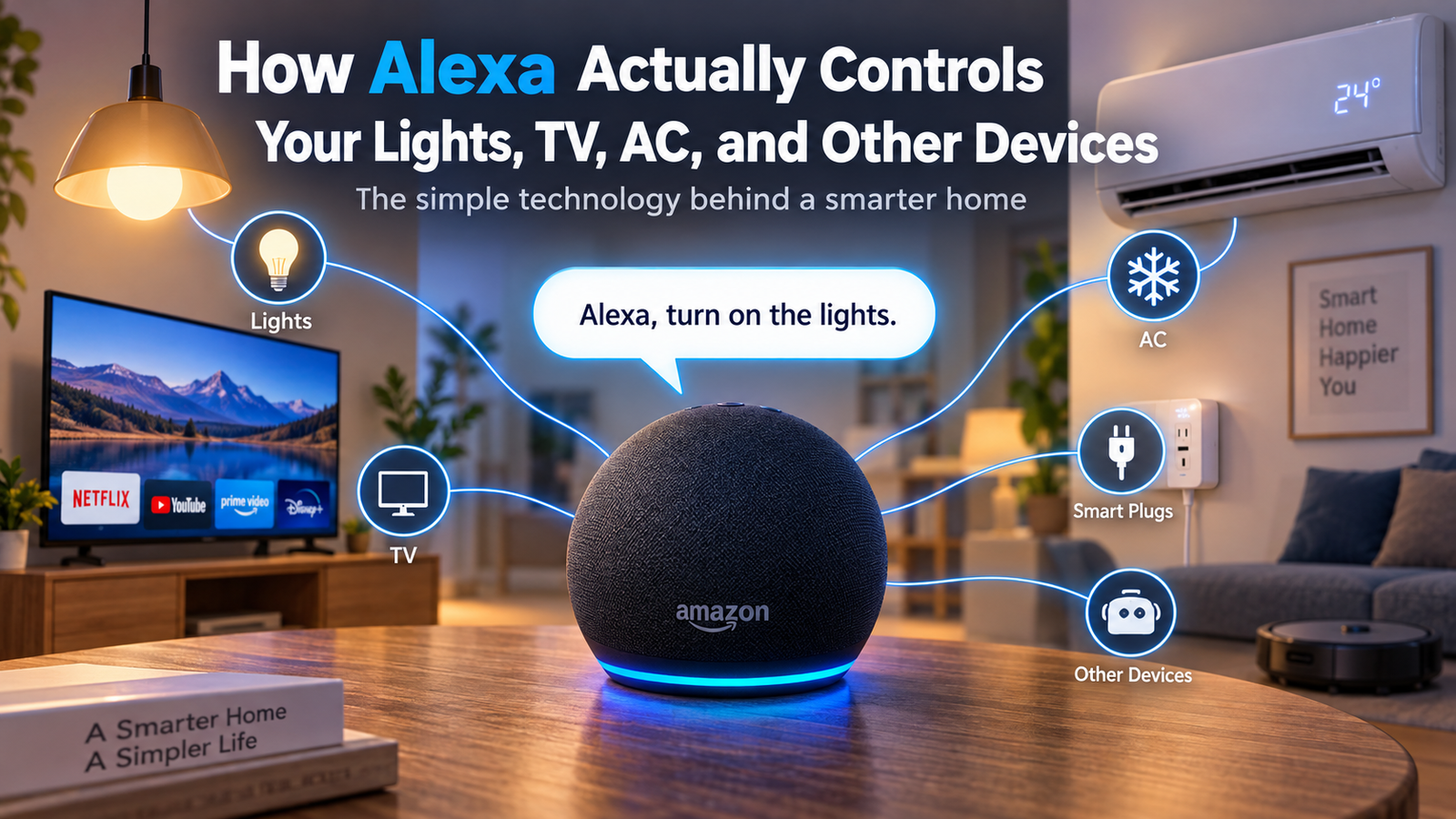
Have you ever said, “Alexa, turn off the lights,” and watched the lights switch off without touching a switch?
You may have also used Alexa to turn on your TV, change the temperature of your AC, play music, or even control other devices around your home. It can feel almost like magic. You simply speak, Alexa listens, and something happens.
But Alexa is not actually controlling these devices by itself.
There is a lot happening behind that simple voice command. Alexa listens to what you say, understands your request, finds the right device, and sends a command to it. Your smart light, TV, AC, or plug then receives that command and performs the action.
So, how does all of this work?
Let us break it down in very simple terms.
What Is Alexa?
Alexa is Amazon’s voice assistant. It is built into devices such as Amazon Echo speakers and some smart TVs, cars, headphones, and other products.
You can talk to Alexa just like you would talk to another person.
For example, you can say:
- “Alexa, turn on the bedroom light.”
- “Alexa, turn off the TV.”
- “Alexa, set the AC to 24 degrees.”
- “Alexa, play some music.”
Alexa listens to your voice and tries to understand what you want.
However, Alexa needs another important thing before it can control most devices: the device itself must be compatible with Alexa or connected through a smart home system.
This is where the interesting part begins.
Alexa Cannot Control Every Device by Itself
A normal light bulb does not understand what Alexa is saying.
The same is true for an old TV or a traditional air conditioner. These devices were not designed to receive commands from a voice assistant.
To control them, you usually need a smart device that acts as a connection between Alexa and the appliance.
For example, a smart bulb already has the technology needed to receive commands. A regular bulb does not.
You can also use a smart plug to control some ordinary appliances. The plug sits between the wall socket and the appliance and can turn the power on or off when it receives a command.
This creates a simple chain:
You speak → Alexa understands → Alexa sends a command → Smart device receives it → Device performs the action
What Happens When You Say “Alexa, Turn On the Light?”
This simple sentence involves several steps.
Imagine you are sitting on your sofa and say:
“Alexa, turn on the living room light.”
First, your Echo device needs to know that you are talking to Alexa.
Step 1: Alexa Hears the Wake Word
Your Echo speaker is constantly listening for its wake word, such as “Alexa.”
It does not need to send everything you say to the cloud just to wait for the wake word. The device is designed to detect the wake word locally.
Once it hears “Alexa,” it knows that the next words are a command.
Then you say:
“Turn on the living room light.”
Step 2: Alexa Processes Your Voice
The Echo records the command and sends the audio to Amazon’s Alexa service for processing when an internet connection is available.
The system turns your spoken words into text and works out what you are asking.
For example, it may understand:
Action: Turn on
Device: Living room light
You do not have to speak like a computer. You can say things naturally, such as:
“Can you turn the living room light on?”
Alexa can still understand that you want the light switched on.
Step 3: Alexa Finds the Right Device
Now Alexa needs to find the device you are talking about.
This is why naming your smart devices properly is important.
For example, your Alexa app may contain devices named:
- Living Room Light
- Bedroom Light
- Kitchen Light
- Bedroom TV
When you say “living room light,” Alexa looks for the device with that name.
You can also organize devices into rooms or groups, which makes controlling several devices easier.
Step 4: Alexa Sends the Command
Once Alexa knows which device you mean, it sends the command through your smart home connection.
The exact method can be different depending on the device.
Some smart devices communicate through Wi-Fi. Others may use technologies such as Bluetooth, Zigbee, Z-Wave, or newer smart home standards such as Matter.
You do not usually need to understand these technologies to use Alexa. They simply help your devices communicate.
Step 5: The Light Turns On
The smart bulb receives the instruction.
The bulb understands the command:
Turn on
It then switches on.
All of this can happen very quickly, which is why the experience feels almost instant.
How Does Alexa Control a TV?
Controlling a TV works in a similar way, but there can be a few extra steps.
Modern smart TVs can connect to your home network and support smart home commands. When Alexa receives a command such as:
“Alexa, turn off the TV.”
Alexa identifies the TV and sends the appropriate command.
The TV then receives it and turns off.
Depending on the TV and the way it is connected, Alexa may also be able to perform other actions, such as:
- Turn the TV on or off
- Change the volume
- Pause or play content
- Change certain settings
- Launch supported apps
However, not every TV supports every Alexa command.
The exact features depend on the TV model, manufacturer, and the connection between the TV and Alexa.
How Does Alexa Control an Air Conditioner?
Air conditioners are a little different because many older AC units were not built as smart devices.
A modern smart AC can connect directly to your smart home system.
But what happens with an older AC?
This is where devices such as smart AC controllers or infrared hubs can help.
Many traditional air conditioners use an infrared remote control. Your normal remote sends an invisible infrared signal to the AC.
A smart infrared controller can learn those remote commands and send them when Alexa tells it to.
So, when you say:
“Alexa, set the AC to 24 degrees.”
The process can look like this:
You speak to Alexa.
Alexa understands that you want to change the AC temperature.
Alexa sends the command to the smart controller.
The controller sends the correct signal to the air conditioner.
The AC receives the signal and changes its setting.
To you, it looks like Alexa directly changed the temperature. In reality, several devices may be working together.
What Is a Smart Plug and Why Is It Useful?
A smart plug is one of the simplest ways to make a regular appliance part of a smart home.
Imagine you have a normal table lamp that cannot connect to Wi-Fi.
You plug the lamp into a smart plug.
The smart plug connects to your home network and can receive commands from Alexa.
Now you can say:
“Alexa, turn off the lamp.”
Alexa tells the smart plug to switch off the power.
The lamp turns off.
This works well for devices where turning the power on or off is enough.
However, a smart plug cannot magically add every smart feature to an appliance. For example, turning power on and off is different from changing the temperature of an AC or switching channels on a TV.
How Do Alexa and Smart Devices Communicate?
This is one of the most important parts of a smart home.
Your devices need a way to communicate with one another.
Wi-Fi
Many smart home devices use your home’s Wi-Fi network.
Your smart bulb, TV, plug, or other device connects to the same home network and can communicate through it.
Wi-Fi is popular because most homes already have a Wi-Fi router.
Bluetooth
Some devices use Bluetooth for communication.
Bluetooth is commonly used for short-range connections and can be useful for certain smart home devices and accessories.
Zigbee and Other Smart Home Technologies
Some smart home products use dedicated technologies designed for smart home communication.
These can help devices communicate efficiently without relying on Wi-Fi for every connection.
The user usually does not have to think about this. Once the device is set up correctly, the communication happens in the background.
Matter
Matter is a newer smart home standard designed to help smart devices from different companies work together more easily.
The idea is simple: instead of buying devices that only work with one particular smart home system, compatible Matter devices can have a better chance of working across different platforms.
This can make smart home setups easier to build and manage.
Why Does Alexa Need the Internet?
For many Alexa features, an internet connection is an important part of the process.
When you speak to Alexa, the voice command is generally sent to Amazon’s online services so it can be processed.
The system understands the request and determines what should happen.
That is one reason why your internet connection can affect your Alexa experience.
If your internet stops working, some smart home devices may also stop responding to Alexa commands, depending on how they are connected and which features they support.
Some devices can continue to work locally, but the exact behavior depends on the device and smart home setup.
What Is the Alexa App Used For?
Before Alexa can control your devices, you normally need to set everything up in the Alexa app.
The app is where you can connect compatible smart home products and organize them.
For example, you can create a group called:
Living Room
Inside that group, you might add:
- Living room light
- TV
- Fan
- Smart plug
Now you can create commands that make controlling your room easier.
You can also give devices names that are easy to remember.
Good naming makes voice control much easier.
How Does Alexa Know Which Light You Mean?
Imagine you have four lights in your home.
If you say:
“Alexa, turn on the light.”
Alexa may not know which one you mean.
But you can say:
“Alexa, turn on the kitchen light.”
Now the instruction is much clearer.
This is why smart home users often organize devices by rooms and groups.
You can also create routines.
For example, a routine called Good Night could turn off several lights, switch off certain smart plugs, and perform other supported actions with one command.
Instead of giving Alexa five different instructions, you give it one.
What Are Alexa Routines?
Alexa routines allow you to automate multiple actions.
For example, you could create a routine called:
Movie Time
When you activate it, Alexa could perform several supported actions, such as turning on a compatible TV, adjusting compatible lights, and doing other tasks.
Another routine could be:
Good Morning
It could turn on selected lights, provide information, and perform other actions based on the devices and services connected to your Alexa setup.
Routines are one of the reasons smart homes can feel so convenient.
You are not only controlling one device. You are creating a series of actions that happen together.
Does Alexa Actually “Think” Like a Human?
Not really.
It may feel like Alexa is thinking because it can understand many different sentences.
But Alexa is using software designed to recognize speech, understand the meaning of your request, and connect that request to available functions and devices.
For example:
“Please turn off the bedroom lights.”
and
“Can you switch the bedroom lights off?”
are different sentences, but they have the same basic meaning.
Alexa’s job is to understand that both requests are asking for the same action.
What Happens Behind the Scenes?
A simple Alexa command can involve several different technologies working together.
The process can be summarized like this:
1. You speak
You say a command to Alexa.
2. The device detects the wake word
The Echo recognizes that you are addressing Alexa.
3. Your voice is processed
The Alexa service works out what you said and what you want.
4. Alexa identifies the device
It finds the correct smart home device or service.
5. A command is sent
The instruction travels through the available smart home connection.
6. The device responds
The light turns on, the TV turns off, or another supported action takes place.
The whole process may take only a few seconds.
Can Alexa Control Multiple Devices at Once?
Yes, when the devices and setup support it.
This is where smart home automation becomes much more useful.
Imagine saying:
“Alexa, I’m home.”
A routine could potentially turn on selected lights, adjust supported devices, and perform other actions you have configured.
Instead of manually controlling everything one by one, you can use a single command.
This can save time and make everyday tasks much easier.
What If Alexa Does Not Understand You?
Sometimes Alexa may misunderstand a command.
This can happen for several reasons.
The device name may be confusing, your voice may not have been understood correctly, or the device may not be connected properly.
For example, if you have devices named:
Light 1
Light 2
Light 3
it may be less natural to control them by voice.
Using names such as:
Bedroom Light
Kitchen Light
Office Light
usually makes the system easier to understand and easier for you to use.
It is also important to check that the device is online and correctly connected to your Alexa account.
Is a Smart Home Really Smart?
A smart home is not just about controlling things with your voice.
The real benefit comes from automation.
A traditional home waits for you to operate every device manually.
A smart home can follow rules and routines that you create.
For example, instead of saying:
“Alexa, turn off the lights.”
every night, you could set up a routine that does it automatically under certain conditions.
That is what makes smart home technology more interesting than simply replacing a normal switch with a voice-controlled one.
Why Smart Home Technology Is Becoming More Popular
Smart home devices are becoming easier to install and use.
You no longer need to be a technology expert to set up a simple smart home.
A basic setup might include:
- A smart speaker
- Smart bulbs
- Smart plugs
- A smart TV
- A smart AC controller
Once connected, these devices can work together through a smart home platform.
The result is a home where many everyday tasks can be controlled through your phone, voice, schedules, or automation.
The Future of Alexa and Smart Homes
Smart home technology is continuing to develop.
Voice assistants are becoming better at understanding natural language, while smart home standards are making it easier for different products to communicate.
In the future, smart homes may become less about asking a device to perform every small task and more about systems automatically understanding what needs to happen based on schedules, sensors, and user preferences.
For example, instead of saying:
“Turn off the lights.”
your home could use sensors, schedules, and automation rules to know when a room is no longer being used and adjust devices accordingly.
The goal is simple: make technology feel less complicated and more useful in everyday life.
Conclusion
Alexa may make smart home control look incredibly simple, but several technologies are working behind the scenes.
When you ask Alexa to turn on a light, Alexa first needs to understand your voice and your request. It then identifies the correct device and sends the appropriate command through the smart home system. The connected device receives that command and performs the action.
The same basic idea can be used for TVs, lights, smart plugs, air conditioners, and many other compatible devices.
So the next time you say, “Alexa, turn off the lights,” remember that you are not just talking to a speaker. You are giving a command to a connected system of devices and software working together to make your home smarter.
Frequently Asked Questions
Q1. How does Alexa control smart lights?
Answer:
Alexa receives your voice command, understands which light you are talking about, and sends the command through the connected smart home system. The smart light then receives the instruction and turns on or off.
Q2. Can Alexa control a normal TV?
Answer:
Alexa can control compatible TVs. Some older TVs may need an additional device, such as a compatible smart hub or another control system, depending on how the TV works.
Q3. Can Alexa control an old air conditioner?
Answer:
It can be possible. If the air conditioner uses an infrared remote, a compatible smart infrared controller can sometimes act like the remote and receive commands from Alexa.
Q4. Does Alexa need Wi-Fi to control smart devices?
Answer:
Many Alexa features and smart home setups rely on an internet connection or a home network, but the exact requirements depend on the devices and technologies being used. Some devices can perform certain functions locally even when the internet is unavailable.