

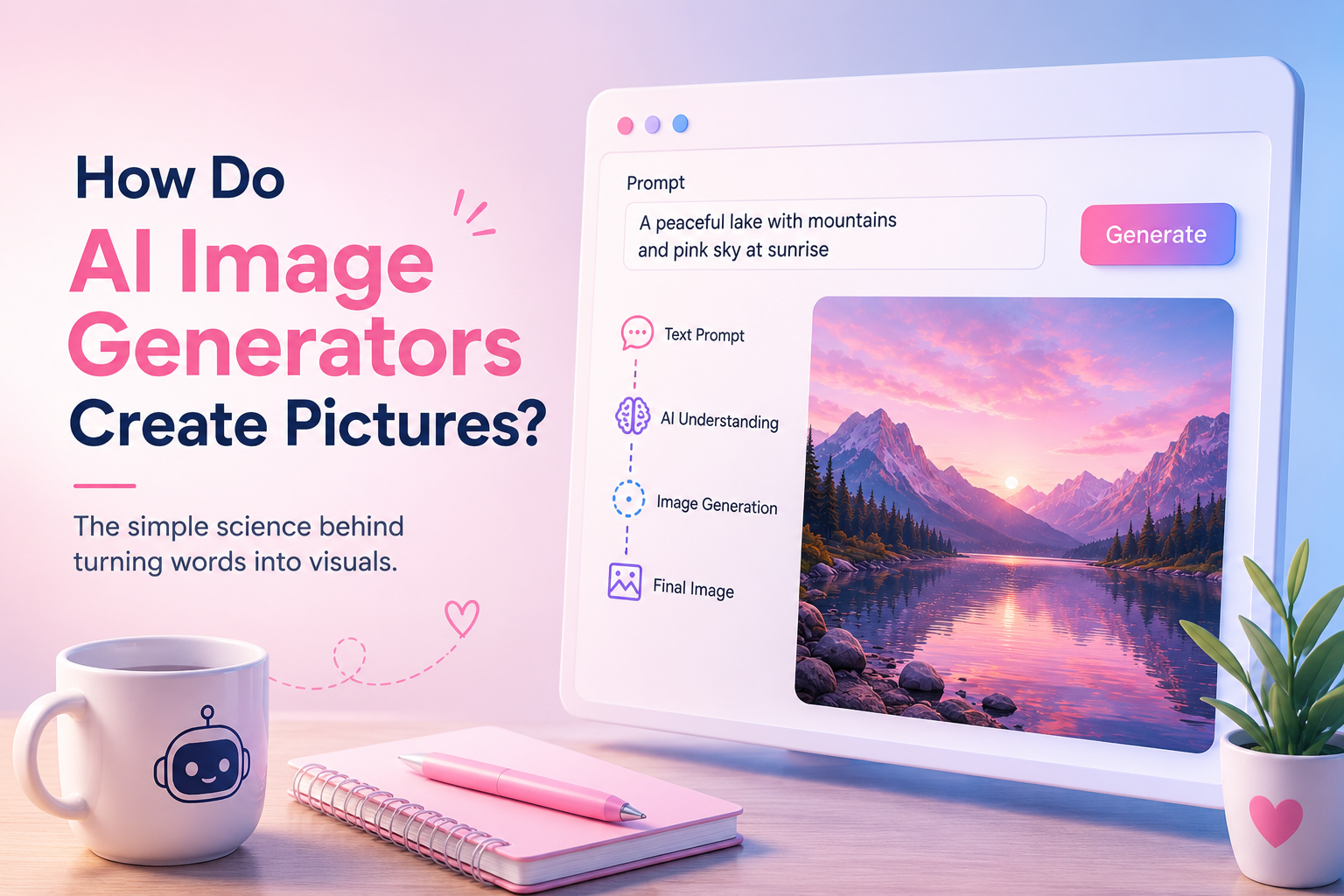
AI image generators have changed the way people create visual content. Today, you can type a simple sentence such as “a golden retriever sitting in a modern coffee shop” and get a detailed image within seconds. What looks like magic is actually the result of machine learning, large datasets, mathematical patterns, and powerful image generation models working together.
But how do AI image generators create pictures from text? How does a computer understand words like “sunset,” “realistic,” “portrait,” or “cinematic”? And why can the same AI create everything from photographs to illustrations and fantasy artwork?
In this guide, we will explain how AI image generators work in simple terms, from training the model to turning a written prompt into a finished image.
What Is an AI Image Generator?
An AI image generator is a software system that uses artificial intelligence and machine learning to create images based on instructions provided by a user.
The instruction is usually called a prompt. A prompt can be very simple or highly detailed. For example:
“A small cabin beside a frozen lake surrounded by snowy mountains at sunrise.”
The AI analyzes the words in the prompt and generates an image that matches the concepts described.
Unlike traditional graphic design software, an AI image generator does not require you to manually draw every object, choose every color, or place every element yourself. Instead, the model has learned patterns from large collections of visual and textual information and uses those patterns to create a new result.
Popular AI image generation systems can produce many types of visuals, including:
- Photorealistic images
- Digital artwork
- Product photography
- Illustrations
- Character designs
- Posters and advertisements
- Concept art
- Backgrounds
- Architectural visuals
How Do AI Image Generators Actually Work?
At a basic level, an AI image generator takes your text prompt, converts it into information the model can understand, and then uses that information to create an image.
The process is much more complex internally, but it can be understood through a few major stages.
1. The AI Learns From Large Amounts of Data
Before an AI image generator can create pictures, it needs to be trained.
During training, a model processes a very large number of images along with associated information, such as captions, descriptions, labels, or other signals. Through this process, the model learns connections between language and visual patterns.
For example, after processing many examples, a model can learn that words such as “cat,” “fur,” “whiskers,” and “eyes” are associated with certain visual features.
It also learns more complicated relationships. A model may recognize that “watercolor painting” describes one visual style, while “studio photograph” describes another.
The AI does not simply store a giant collection of images and retrieve one whenever you make a request. Instead, training helps it learn statistical patterns that can later be used to generate new visual content.
What Does the Model Learn?
Depending on the system, the model can learn relationships involving:
- Objects and their appearance
- Colors and textures
- Lighting
- Shapes and composition
- Art styles
- Camera perspectives
- Facial features
- Environments
- Written descriptions and visual concepts
This learned knowledge becomes the foundation for image generation.
2. Your Prompt Is Converted Into Data
When you type a prompt into an AI image generator, the system does not read it exactly like a human.
The text is processed by a language or text-encoding component that converts words and phrases into numerical representations. These representations help the image model understand the meaning and relationships between different parts of the prompt.
For example, consider this prompt:
“A futuristic city at night with glowing blue buildings and flying cars.”
The system needs to understand several concepts at the same time:
“Futuristic city” gives information about the environment and design.
“At night” influences lighting, shadows, and overall atmosphere.
“Glowing blue buildings” affects color, architecture, and lighting.
“Flying cars” introduces another important object and its position within the scene.
The model combines these concepts rather than treating each word as a completely separate instruction.
3. The Image Usually Starts as Random Noise
One of the most interesting parts of modern AI image generation is that the final image can begin as something that looks like visual static.
Many popular image generation approaches are based on a process known as diffusion.
During the generation process, the model starts with a noisy image and gradually transforms that noise into a structured picture that matches the prompt.
Imagine looking at a television screen filled with random static. At the beginning, there is no recognizable scene. Step by step, the AI predicts what the image should look like and removes or reorganizes parts of the noise.
Eventually, shapes begin to appear. The model develops objects, colors, textures, lighting, and other details until the image becomes recognizable.
4. The Model Removes Noise Step by Step
The denoising process is where much of the actual image creation happens.
The model repeatedly asks a mathematical question that is roughly equivalent to:
“Given this noisy information and the text prompt, what should the image look like next?”
It performs this process across multiple steps.
At the early stages, the image may contain only rough forms and general color patterns. As more steps are completed, the image becomes increasingly detailed.
For example, a prompt describing a woman standing on a beach might gradually develop into:
- A broad composition with sky, land, and ocean
- The approximate shape of the person
- Clothing, hair, and body features
- Waves, sand, and environmental details
- Lighting, shadows, textures, and fine details
The exact process varies between models, but the basic idea of transforming noise into an organized image is central to many modern systems.
5. The AI Uses Learned Visual Patterns
The AI is not drawing the image with a traditional digital brush.
Instead, it uses mathematical representations learned during training.
Suppose you ask for:
“A red sports car driving through a rainy city at night.”
The model has learned visual relationships associated with cars, roads, rain, reflections, headlights, buildings, and nighttime environments.
It can use those learned relationships to generate a scene where these elements appear together in a plausible composition.
This is why AI can create combinations that may never have appeared exactly the same way in its training examples.
6. The Image Becomes More Detailed
As generation continues, the model focuses on increasingly specific information.
The broad composition may be established first, followed by more detailed visual features.
Depending on the model and settings, this can include:
- Fine textures
- Hair details
- Skin appearance
- Reflections
- Shadows
- Fabric patterns
- Background objects
- Light sources
- Depth and perspective
This is one reason a generated image can look simple or blurry during intermediate stages but much more polished when the process finishes.
What Is a Diffusion Model?
A diffusion model is a type of machine learning model designed to generate data by learning how to reverse a gradual process of adding noise.
During training, an image can be progressively corrupted with noise. The model learns how to predict and remove that noise.
During generation, the process works in the opposite direction. The model starts with noise and repeatedly denoises it while following the conditions provided by the prompt.
This approach has become an important foundation for modern image generation systems.
The basic concept can be simplified as:
Random noise → Rough shapes → Recognizable objects → Detailed image → Final result
The actual mathematics behind diffusion is much more advanced, but this simplified view explains the main idea.
How Does AI Know What “Realistic” Means?
One common question is how an AI knows the difference between a realistic photograph and an illustration.
The answer comes back to training.
During training, the model encounters many different visual styles and descriptions. Over time, it learns statistical patterns associated with photography, painting, cartoons, digital art, cinematic images, sketches, and other formats.
So when you write:
“A realistic portrait taken with a professional camera”
the model can associate those words with visual characteristics such as natural skin texture, photographic lighting, depth of field, lens effects, and realistic proportions.
When you instead request:
“A watercolor illustration of a village”
the model can generate a result with different textures, colors, edges, and artistic characteristics.
How Does AI Understand Different Objects?
AI image generators learn visual concepts rather than simple dictionary definitions.
For example, the word “tree” is connected to patterns involving trunks, branches, leaves, shadows, shapes, and colors.
The model can then use these learned relationships to create different kinds of trees.
A prompt such as “a tall pine tree covered in snow” adds more conditions. The model combines its understanding of trees, pine trees, snow, and environmental context to produce the requested visual.
This is why descriptive prompts can make such a significant difference in the final image.
Why Does the Same Prompt Produce Different Images?
You may have noticed that generating the same prompt more than once can produce different results.
This happens because image generation often includes some degree of randomness.
The model can begin from different random noise patterns and follow slightly different paths while generating the image. As a result, the composition, object placement, facial features, colors, or background details may change.
This randomness is actually useful because it allows users to explore multiple possibilities from the same instruction.
Some systems use a setting called a seed to control the starting random state. Using the same seed and similar settings can help reproduce or closely recreate a result, although exact behavior depends on the specific model.
Why Are AI Generated Images Sometimes Wrong?
AI image generators have improved significantly, but they are not perfect.
Sometimes an image may look realistic overall while containing strange details. You may see problems such as:
- Incorrect text inside an image
- Unusual hands or fingers
- Objects with inconsistent shapes
- Strange reflections
- Incorrect proportions
- Repeated objects
- Details that do not make physical sense
These problems occur because the model is generating an image based on learned patterns rather than understanding the physical world exactly like a human does.
AI is very good at producing visually convincing results, but visual plausibility and factual accuracy are not always the same thing.
Why Is Text Inside AI Images Difficult?
Text has historically been one of the harder tasks for many image generation systems.
Creating an object such as a chair requires the model to understand visual patterns. Creating perfectly readable text requires precise control over individual characters, their order, spacing, spelling, and layout.
Although modern systems are much better at generating text than earlier models, unusual words, long sentences, small labels, and complex typography can still cause errors.
This is why designers often create the visual with AI and then add important text separately using design software.
What Is Prompt Engineering?
Prompt engineering means writing and refining instructions to help an AI system produce a better result.
A simple prompt might say:
“A luxury hotel.”
A more detailed prompt could describe the subject, environment, lighting, camera style, mood, colors, composition, and other requirements.
For example:
“A luxury hotel lobby with marble floors, warm golden lighting, elegant modern furniture, large windows, realistic architectural photography, wide-angle composition.”
The second prompt gives the model much more information about the desired result.
Good prompts usually focus on the most important visual requirements instead of adding unnecessary words.
What Can You Include in an AI Image Prompt?
A useful image prompt can contain several types of information.
Subject
Describe what should appear in the image.
Examples include a person, product, building, vehicle, landscape, or animal.
Environment
Explain where the subject is located.
For example:
- Modern office
- Beach at sunset
- Busy city street
- Minimal white studio
Style
Specify the desired visual style.
Examples include:
- Photorealistic
- Editorial photography
- 3D render
- Watercolor
- Minimal illustration
Lighting
Lighting can strongly affect the mood and appearance of an image.
You can mention:
- Soft natural light
- Dramatic lighting
- Golden-hour sunlight
- Studio lighting
- Neon lighting
Composition
You can also describe how the image should be framed.
Examples include:
- Close-up portrait
- Wide-angle view
- Top-down composition
- Centered product shot
- Cinematic landscape
The key is to provide useful visual information without making the prompt unnecessarily complicated.
How Are AI Images Different From Traditional Digital Images?
Traditional image creation usually involves manually drawing, photographing, modeling, or editing visual elements.
An AI image generator instead predicts and constructs the visual based on learned patterns and the user’s instructions.
This does not mean traditional design is no longer useful. In many professional workflows, AI is used alongside tools such as Photoshop, Illustrator, Figma, Canva, or other editing software.
For example, a designer might use AI to create a background, generate a product scene, and then manually adjust the lighting, add typography, place a logo, and prepare the final design for publication.
Can AI Create Completely New Images?
Yes. AI image generation can produce images that are newly generated rather than simply copying a specific existing image.
The model uses statistical patterns learned during training to generate new combinations of features.
However, the question of originality, ownership, copyright, and the legal status of AI-generated content can be complicated and may depend on factors such as how the image was created, the tools used, the training data involved, and the laws of the relevant country.
For commercial projects, it is a good idea to review the licensing terms of the AI tool you use and understand how generated content can legally be used.
Why Are AI Image Generators So Fast?
A professional photoshoot or detailed illustration can take hours or even days.
AI can generate an image in seconds or minutes because the heavy computation is performed using powerful computer hardware, often in cloud data centers.
Once the model has already been trained, generating a new image does not require repeating the entire training process. The trained model can be used to produce new outputs based on user prompts.
This is one of the main reasons AI image generation has become practical for everyday users.
How AI Image Generators Are Used Today
AI image generation is no longer limited to experiments. It is being used across many creative and business workflows.
Common applications include:
- Marketing and advertising
- Social media content
- Blog illustrations
- Product concepts
- Website graphics
- Storyboarding
- Game development
- Film and entertainment
- Presentation design
- Packaging concepts
- Interior and architectural visualization
For businesses, one of the biggest advantages is the ability to explore several creative directions without producing every visual completely from scratch.
Are AI Image Generators Replacing Designers?
Not entirely.
AI can automate parts of the creative process, but professional design still involves planning, judgment, branding, communication, editing, and understanding the target audience.
For example, an AI tool may create a beautiful advertisement, but a designer still needs to decide whether:
- The brand identity is correct
- The message is easy to understand
- The layout works
- The product is represented accurately
- The image fits the campaign
- The final design is suitable for the intended platform
The most effective approach is often to treat AI as a creative tool rather than a complete replacement for human expertise.
What Is the Future of AI Image Generation?
AI image generation continues to evolve quickly.
Future systems are likely to offer better control over characters, products, text, composition, lighting, and editing. We can also expect tighter integration between image generation and professional design workflows.
Instead of generating only one image from a prompt, users may increasingly be able to control individual elements with much greater precision.
For example, a designer might be able to change a person’s clothing, move a product, alter the background, adjust lighting, and change the camera angle without rebuilding the entire image.
This could make AI useful not only for generating pictures but also for advanced image editing and creative production.
Final Thoughts
AI image generators create pictures by combining machine learning, language understanding, visual patterns, and image generation techniques such as diffusion. The process may begin with random noise, but through repeated steps, the model transforms that noise into an image that matches the user’s instructions.
The important thing to remember is that AI is not simply searching the internet for a picture that matches your prompt. It is using patterns learned during training to generate a new visual result.
As these tools become more powerful, understanding how they work can help you use them more effectively. Whether you are a marketer, designer, business owner, content creator, or simply curious about technology, AI image generation offers a powerful new way to turn ideas into visuals.
Frequently Asked Questions
Q1. How do AI image generators create images from text?
Answer:
AI image generators convert your text prompt into numerical information that the model can understand. The system then uses learned visual patterns to gradually generate an image that matches the concepts described in the prompt.
Q2. Do AI image generators copy existing images?
Answer:
An AI image generator generally creates a new image using patterns learned during training rather than simply retrieving one matching image from a database. However, questions about similarity, training data, copyright, and ownership can depend on the specific system and applicable laws.
Q3. Why do AI generated images sometimes contain mistakes?
Answer:
AI models generate images using learned statistical patterns rather than perfect knowledge of real-world objects and physics. This can lead to errors involving hands, text, reflections, proportions, or object details.
Q4. Can I improve the quality of an AI generated image?
Answer:
Yes. You can often improve results by writing clearer prompts, specifying important details such as lighting and composition, generating multiple variations, and using image editing or upscaling tools after generation.