

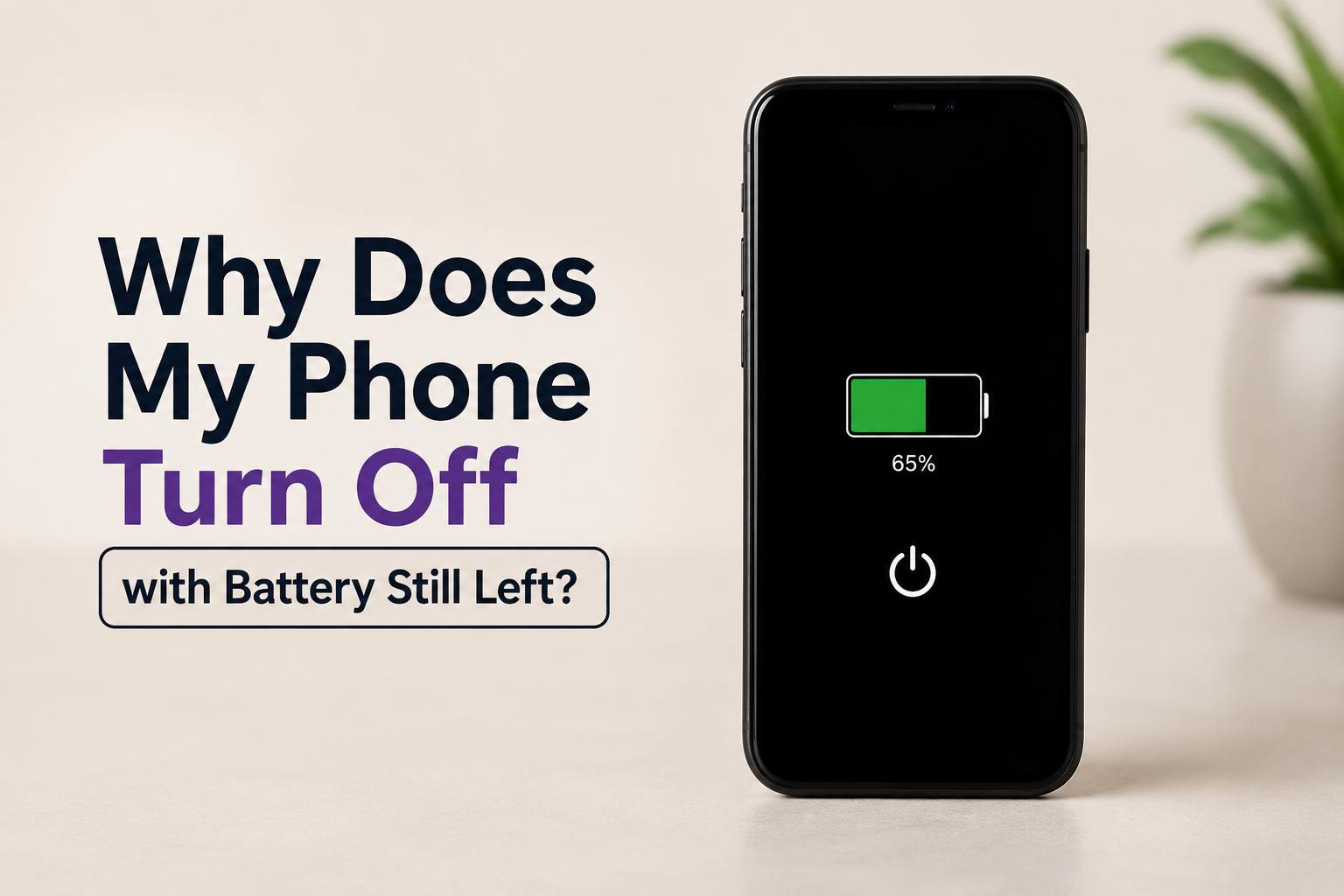
Have you ever looked at your phone only to see it suddenly switch off, even though the battery still showed 40%, 60%, or even 80%? It can be frustrating, especially if it happens during an important call, while navigating, or in the middle of work.
This issue is more common than many people think and can happen on both Android phones and iPhones. In most cases, the problem is not the battery percentage itself but something affecting how your phone reads or manages the battery.
In this guide, we’ll explain why your phone turns off even when there appears to be battery left, what causes the issue, and the best ways to fix it.
Why Does My Phone Turn Off with Battery Still Left?
When your phone displays a battery percentage, it is only an estimate based on the battery’s current condition and voltage. As your phone ages, this estimate can become inaccurate. The phone may think there is still plenty of battery remaining, while the battery is actually unable to provide enough power to keep the device running.
Several software and hardware issues can also contribute to this problem.
Common Reasons Your Phone Turns Off Before the Battery Reaches 0%
Battery Health Has Degraded
The most common reason is a worn out battery.
Rechargeable lithium ion batteries lose capacity over time. After hundreds of charging cycles, they cannot hold power as effectively as they once did. As a result, your phone may suddenly shut down even though it still displays a significant amount of battery remaining.
Signs of a failing battery include:
- Battery drains much faster than before
- Phone becomes hot during normal use
- Battery percentage changes suddenly
- Device shuts down randomly
If your phone is more than two or three years old, battery wear is often the primary cause.
Incorrect Battery Calibration
Sometimes the battery itself is perfectly fine, but the operating system incorrectly estimates the remaining charge.
For example, your phone may display 55% battery while the actual battery charge is much lower. Once the voltage drops below a safe level, the phone automatically powers off to protect its internal components.
Battery calibration issues often occur after:
- Software updates
- Battery replacement
- Long periods of irregular charging
- Using unofficial chargers
Software Bugs
Operating system bugs can interfere with battery management.
A recent Android or iOS update may introduce temporary issues that affect battery reporting or power management. Although these problems are usually fixed in future updates, they can cause unexpected shutdowns in the meantime.
If the issue started immediately after updating your phone, software is a likely cause.
Overheating
Modern smartphones automatically shut down when internal temperatures become too high.
Overheating may happen due to:
- Gaming for long periods
- Recording high resolution video
- Charging while using demanding apps
- Direct sunlight
- Faulty charging accessories
This safety feature prevents permanent hardware damage.
Cold Temperatures
Extreme cold can also cause your phone to switch off unexpectedly.
Lithium ion batteries perform poorly in low temperatures. Even with plenty of battery remaining, the voltage may drop suddenly, causing the phone to shut down.
Once the phone warms up, the battery percentage may return to normal.
Faulty Charging Accessories
Cheap or damaged charging cables and adapters may not charge the battery correctly.
Over time, inconsistent charging can confuse the battery management system and lead to inaccurate battery readings.
Using original or certified chargers is always recommended.
Power Hungry Apps
Some applications consume far more power than others.
Gaming apps, video editing software, navigation apps, and background syncing services can rapidly increase battery usage. If your battery is already weak, these heavy apps may trigger sudden shutdowns.
Hardware Damage
Physical damage can also cause battery related issues.
This includes:
- Water damage
- Loose battery connector
- Damaged motherboard
- Swollen battery
- Internal electrical faults
Hardware problems usually require professional repair.
How to Fix a Phone That Turns Off with Battery Left
Fortunately, many cases can be resolved without replacing the phone.
Restart Your Phone
A simple restart clears temporary system glitches that may interfere with battery reporting.
Restart the phone and monitor whether the problem continues.
Update Your Software
Manufacturers frequently release updates that improve battery management and fix software bugs.
Go to your phone’s settings and install any available updates.
Check Battery Health
Many smartphones allow you to monitor battery condition.
On iPhone:
Settings > Battery > Battery Health
On Android:
Some manufacturers include battery diagnostics, while others require third party diagnostic apps.
If battery health is below 80%, replacement is often recommended.
Calibrate the Battery
Battery calibration can improve battery percentage accuracy.
Follow these steps:
- Charge your phone to 100%.
- Continue charging for another 30 minutes.
- Use the phone until it powers off completely.
- Leave it off for about 30 minutes.
- Charge it uninterrupted back to 100%.
This helps the operating system recalculate battery levels.
Remove Problematic Apps
If shutdowns happen after opening a particular app, that app may be responsible.
Try uninstalling recently installed applications and monitor whether the issue improves.
Avoid Extreme Temperatures
Keep your phone within normal operating temperatures.
Avoid:
- Leaving it inside hot cars
- Direct sunlight
- Freezing weather
- Charging under pillows or blankets
Maintaining proper temperature helps protect battery performance.
Use Original Charging Accessories
Always use the manufacturer’s charger or a certified replacement.
Low quality chargers may cause unstable charging behavior and shorten battery life.
Replace the Battery
If your battery is old or heavily degraded, replacing it is often the most effective solution.
A new battery restores accurate battery readings and significantly improves overall performance.
When Should You Replace the Battery?
Battery replacement is worth considering if:
- Your phone shuts down with more than 20% battery remaining.
- Battery health is below 80%.
- Battery drains unusually fast.
- The phone overheats frequently.
- The battery has started swelling.
- The phone is more than three years old.
Replacing the battery is usually much cheaper than buying a new phone.
Can Software Updates Cause Random Shutdowns?
Yes.
Although software updates often improve performance, they can sometimes introduce temporary battery related bugs.
If shutdowns started immediately after an update:
- Check for another update.
- Restart your phone.
- Reset settings if necessary.
- Wait for the manufacturer to release a patch.
Many update related issues are resolved within a few weeks.
How to Prevent Unexpected Phone Shutdowns
Taking care of your battery can significantly extend its lifespan.
Some healthy charging habits include:
- Keep battery levels between 20% and 80% whenever possible.
- Avoid exposing your phone to extreme heat.
- Use certified charging accessories.
- Install software updates regularly.
- Close unnecessary background apps.
- Avoid completely draining the battery every day.
These simple practices reduce battery wear and improve long term reliability.
Conclusion
A phone that turns off while the battery still shows charge is usually a sign that something is affecting battery health, battery calibration, or the phone’s power management system. In many cases, the issue can be fixed by updating the software, recalibrating the battery, or replacing an aging battery.
If the problem continues even after trying the recommended solutions, it is best to have the device inspected by an authorized repair technician. Addressing the issue early can prevent further hardware damage and extend the life of your phone.
Frequently Asked Questions
Q1. Why does my phone turn off at 50% battery?
Answer:
This usually happens because the battery has degraded or the battery percentage is incorrectly calibrated. As the battery ages, it may no longer provide enough voltage even though the displayed percentage suggests there is still charge remaining.
Q2. Can a software update cause my phone to shut down randomly?
Answer:
Yes. Occasionally, software updates introduce temporary bugs that affect battery management. Installing the latest updates or waiting for a bug fix from the manufacturer often resolves the issue.
Q3. How do I know if my phone battery needs replacing?
Answer:
Signs include rapid battery drain, overheating, sudden shutdowns, inaccurate battery percentages, and battery health below 80%. If your phone is more than two or three years old, replacing the battery may be the best solution.
Q4. Is it safe to keep using a phone that shuts down randomly?
Answer:
If the issue is caused by battery wear, continuing to use the phone may lead to more frequent shutdowns and unreliable performance. If the battery is swollen or the phone becomes excessively hot, stop using it immediately and have it inspected by a professional technician.