

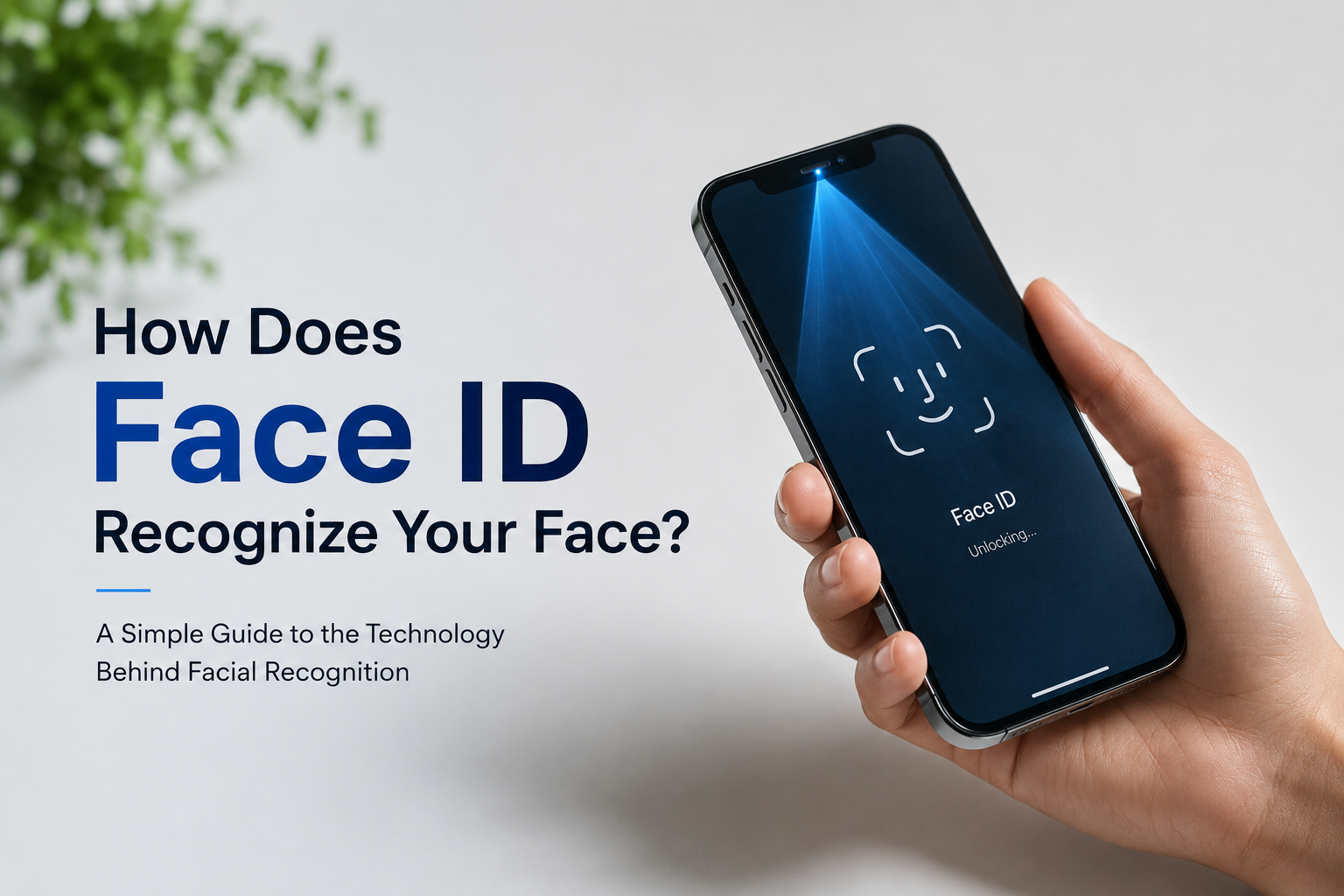
Unlocking your phone with a quick glance feels almost magical. Instead of typing a password or using a fingerprint, your device instantly recognizes your face and grants access within seconds. This technology, known as Face ID, has become one of the most popular biometric security features in modern smartphones.
But have you ever wondered how Face ID actually recognizes your face? Does it simply compare a photo? Can it be fooled by twins, masks, or pictures? Is your face stored somewhere online?
In this guide, we’ll explain how Face ID works in simple language, explore the technology behind it, discuss its security features, and answer some of the most common questions people have about facial recognition.
What Is Face ID?
Face ID is a facial recognition system that verifies your identity by analyzing the unique features of your face. Instead of relying on something you know, like a password, or something you have, like a security key, it uses something you are.
When you first set up Face ID, your device creates a secure mathematical model of your face. Every time you unlock your phone or approve a payment, the device compares your current facial scan with that stored model.
If the two match, access is granted almost instantly.
How Does Face ID Recognize Your Face?
Although it seems simple from the user’s perspective, Face ID relies on advanced hardware, infrared technology, artificial intelligence, and machine learning working together.
Here is what happens each time you look at your phone.
Step 1: The Device Detects Your Face
As soon as you raise your phone, special sensors detect that a face is present. This process happens in a fraction of a second.
Unlike older facial recognition systems that relied only on the front camera, Face ID uses dedicated sensors designed specifically for secure facial authentication.
Step 2: Infrared Light Scans Your Face
Face ID uses invisible infrared light instead of normal visible light.
An infrared projector shines thousands of tiny invisible dots across your face. These dots create a detailed three dimensional map of your facial structure.
This is why Face ID continues to work even in complete darkness.
Step 3: A Detailed 3D Face Map Is Created
The projected dots measure the depth and shape of your face.
The system records details such as:
- Distance between your eyes
- Shape of your nose
- Curve of your lips
- Jawline
- Cheekbone structure
- Forehead contours
- Eye socket depth
- Overall facial geometry
These features combine to create a unique three dimensional facial profile.
Step 4: Artificial Intelligence Processes the Data
The raw scan is then analyzed by artificial intelligence.
Instead of storing an image like a photograph, Face ID converts your facial features into mathematical data.
This mathematical representation is much more secure because it cannot simply be viewed like a regular photo.
Machine learning algorithms also allow Face ID to recognize small changes over time, including:
- Growing a beard
- Wearing glasses
- Applying makeup
- Different hairstyles
- Aging naturally
- Wearing hats or scarves
As long as your core facial structure remains the same, Face ID continues to recognize you.
Step 5: The Device Compares Your Face
Every time you unlock your phone, a new scan is created.
The system compares this new scan against the encrypted facial model stored securely inside the device.
If enough facial characteristics match, your phone unlocks almost instantly.
Why Face ID Is More Secure Than a Photo
Many people assume Face ID simply compares your face to a photograph.
That is not how it works.
A normal photograph is flat.
Face ID builds a three dimensional depth map using thousands of infrared points.
Because of this, it can usually distinguish between:
- Real faces
- Printed photographs
- Images displayed on another phone
- Most basic masks
The system checks depth information rather than only colors or shapes.
Does Face ID Work in the Dark?
Yes.
One of the biggest advantages of Face ID is that it uses infrared technology rather than visible light.
Because infrared light is invisible to the human eye, Face ID works in:
- Dark rooms
- Nighttime environments
- Low light conditions
- Indoor lighting
- Bright sunlight
The scanning system creates its own lighting during the recognition process.
Can Face ID Recognize You With Glasses?
In most cases, yes.
Face ID is designed to recognize many everyday appearance changes, including:
- Prescription glasses
- Most sunglasses
- Contact lenses
- Makeup
- Facial hair
- New hairstyles
- Hats
Very dark sunglasses that block infrared light may occasionally require you to enter your passcode.
Can Face ID Be Fooled?
Modern Face ID systems are extremely difficult to trick.
Simple attempts such as these usually do not work:
- Printed photographs
- Social media pictures
- Videos
- Most realistic masks
This is because Face ID checks depth, texture, infrared information, and numerous unique facial measurements.
However, no security system is completely perfect.
Highly sophisticated attacks using professionally made three dimensional models may be possible under controlled conditions, but these are extremely rare and impractical for everyday criminals.
What Happens If You Have an Identical Twin?
Identical twins share many facial characteristics.
Because of this, Face ID may have a slightly higher chance of recognizing one twin as the other compared to unrelated individuals.
Apple even recommends using a passcode for additional protection if you have an identical twin or someone who closely resembles you.
For the vast majority of people, Face ID remains highly accurate.
Does Face ID Store Your Photo?
No.
Face ID does not store regular photographs of your face.
Instead, it stores an encrypted mathematical representation of your facial features.
This information stays securely on your device.
Your facial data is not uploaded to the cloud for authentication, making it much more private than many online facial recognition systems.
Is Face ID Safe for Privacy?
Privacy is one of the biggest concerns surrounding facial recognition.
Fortunately, Face ID is designed with several privacy protections.
Your facial data:
- Remains on your device
- Is encrypted
- Is not shared with apps without permission
- Is not accessible by other users
- Is not stored as a normal image
This approach helps reduce privacy risks while maintaining convenience.
What Happens If Your Appearance Changes?
Face ID continuously learns small changes over time.
It can adapt to changes such as:
- Weight gain or loss
- Beard growth
- New hairstyles
- Different makeup styles
- Wearing reading glasses
- Minor facial aging
If a major change occurs, such as surgery or significant facial injury, you may need to set up Face ID again.
Advantages of Face ID
Face ID offers several benefits over traditional passwords and fingerprints.
Some of the biggest advantages include:
- Fast unlocking
- Hands free authentication
- High security
- Works in low light
- Learns gradual appearance changes
- Secure payment authorization
- Strong privacy protections
- Convenient everyday use
These benefits explain why facial recognition has become one of the most widely used authentication methods.
Are There Any Limitations?
While Face ID is highly advanced, it is not perfect.
Some situations where it may struggle include:
- Heavy face coverings
- Certain medical masks
- Very dark sunglasses
- Significant facial injuries
- Identical twins
- Dirty or damaged sensors
Fortunately, your device always allows you to enter your passcode as a backup.
Face ID vs Fingerprint Recognition
Both technologies offer strong security, but each has its own strengths.
| Feature | Face ID | Fingerprint |
| Hands free | Yes | No |
| Works in darkness | Yes | Yes |
| Requires touching device | No | Yes |
| Can adapt to appearance changes | Yes | Limited |
| Works with wet fingers | Yes | Sometimes No |
| Speed | Very Fast | Very Fast |
Both methods provide excellent protection, and many devices continue to offer fingerprint authentication alongside facial recognition.
The Future of Face Recognition Technology
Facial recognition continues to improve every year.
Future developments may include:
- Faster recognition speeds
- Improved accuracy
- Better recognition with masks
- Enhanced anti spoofing technology
- More secure banking authentication
- Personalized device experiences
- Improved accessibility features
Artificial intelligence will continue making facial recognition both smarter and more secure.
Conclusion
Face ID combines infrared scanning, depth sensing, artificial intelligence, and secure encryption to recognize your face with remarkable speed and accuracy. Instead of relying on a simple photo, it creates a detailed three dimensional mathematical model that is extremely difficult to copy or fool.
Its ability to adapt to changes like glasses, beards, hairstyles, and natural aging makes it both convenient and reliable for everyday use. Combined with strong privacy protections that keep your facial data securely stored on your device, Face ID has become one of the safest and easiest ways to unlock smartphones, approve payments, and protect personal information.
As facial recognition technology continues to evolve, it is likely to become even faster, smarter, and more secure, making it an important part of the future of digital security.
Frequently Asked Questions
Q1. How does Face ID recognize my face?
Answer:
Face ID projects thousands of invisible infrared dots onto your face, creates a three dimensional map, converts it into encrypted mathematical data, and compares it with the securely stored facial model on your device.
Q2. Does Face ID work without internet?
Answer:
Yes. Face ID works entirely on your device and does not require an internet connection to recognize your face.
Q3. Can someone unlock my phone using my photo?
Answer:
In most cases, no. Face ID uses depth sensing and infrared technology instead of simply comparing photographs, making it extremely difficult to fool with a printed or digital image.
Q4. Is Face ID safer than using a password?
Answer:
Face ID provides a high level of security and convenience, but using it together with a strong passcode offers the best overall protection for your device and personal information.