

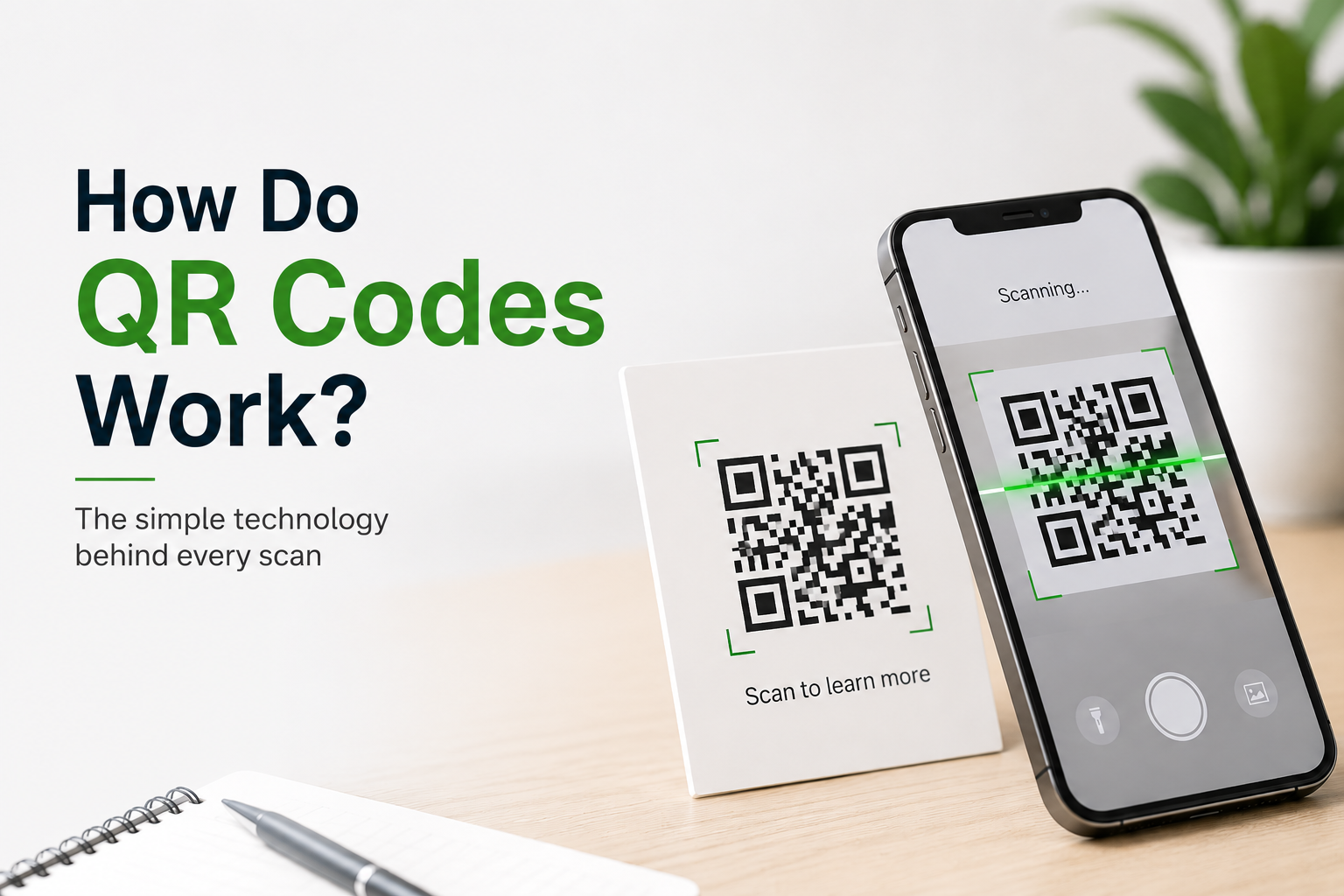
QR codes have become a part of everyday life. You can find them on restaurant menus, product packaging, event tickets, business cards, payment terminals, advertisements, and even medicine labels. With a quick scan using a smartphone, a QR code can instantly open a website, make a payment, connect to WiFi, or share contact information.
But have you ever wondered how these small black and white squares actually work?
In this guide, you’ll learn what QR codes are, how they store information, what happens when you scan one, and why they have become one of the most widely used technologies in the digital world.
What Is a QR Code?
A QR code, short for Quick Response code, is a type of two dimensional barcode that stores digital information. Unlike traditional barcodes, which store information in a single horizontal line, QR codes store data both horizontally and vertically. This allows them to hold much more information.
A QR code can contain:
- Website URLs
- Contact information
- Email addresses
- Phone numbers
- WiFi login credentials
- Payment details
- Product information
- Event tickets
- Location coordinates
- Text messages
Because smartphones can scan QR codes almost instantly, they have become a fast and convenient way to share digital information.
Who Invented QR Codes?
QR codes were invented in 1994 by a Japanese company called Denso Wave. The original purpose was to help manufacturers track vehicle parts during production.
The technology quickly proved useful beyond manufacturing because it could store more information than traditional barcodes while remaining easy to scan from different angles.
Today, QR codes are used across almost every industry.
How Does a QR Code Store Information?
Although a QR code may look like a random collection of black and white squares, every square has a purpose.
The code is made up of tiny squares called modules. These modules represent binary data, which computers understand as zeros and ones.
Special patterns inside the QR code help scanners understand:
- Where the code begins
- The correct orientation
- The size of the data grid
- How to decode the information
Once these patterns are identified, the scanner converts the pattern of black and white modules back into readable digital information.
The Main Parts of a QR Code
Understanding the different sections of a QR code makes it easier to see how the technology works.
Finder Patterns
The three large squares located in three corners help the scanner quickly detect the QR code regardless of how it is positioned.
These patterns allow the camera to recognize the code even if it is upside down or tilted.
Alignment Pattern
Smaller square patterns help correct distortion when the QR code is printed on curved or uneven surfaces.
Timing Pattern
Alternating black and white modules help determine the size and structure of the data grid.
Data Area
This section stores the actual information, such as a website link, phone number, or payment request.
Error Correction Data
QR codes include extra information that allows damaged or partially covered codes to remain readable.
This is one of the biggest advantages of QR codes over traditional barcodes.
What Happens When You Scan a QR Code?
Scanning a QR code only takes a second, but several steps happen behind the scenes.
Step 1: The Camera Detects the QR Code
Your smartphone camera identifies the unique square patterns and locates the QR code within the image.
Step 2: The Scanner Reads the Pattern
The scanning software analyzes the black and white modules and converts them into binary data.
Step 3: Error Correction Is Applied
If part of the QR code is damaged or blocked, the built in error correction system reconstructs the missing information.
Step 4: The Data Is Decoded
The binary information is translated into readable content such as:
- A web address
- Contact details
- Payment information
- WiFi settings
- Plain text
Step 5: The Action Is Performed
Depending on the stored data, your phone may:
- Open a website
- Start a payment
- Add a contact
- Connect to WiFi
- Launch an app
- Display text
The entire process usually takes less than one second.
Why Can QR Codes Still Work When Damaged?
One of the smartest features of QR codes is their built in error correction.
Extra data is added during QR code creation so that missing pieces can be reconstructed if part of the code is damaged.
This means a QR code may still scan successfully even if:
- It has scratches.
- A corner is missing.
- It is slightly dirty.
- A logo covers part of the center.
- It has been printed on a curved surface.
This reliability is one reason businesses use QR codes so widely.
Static vs Dynamic QR Codes
Not all QR codes work the same way.
Static QR Codes
A static QR code stores information permanently.
Once created, the content cannot be changed.
These are commonly used for:
- Personal websites
- Contact cards
- WiFi passwords
- Product labels
Dynamic QR Codes
Dynamic QR codes point to a short redirect link instead of storing the final destination directly.
The destination can be updated later without changing the printed QR code.
Businesses often use dynamic QR codes because they allow:
- Updating links anytime
- Scan tracking
- Location based redirects
- Marketing analytics
- Campaign management
Where Are QR Codes Used?
QR codes are now used in almost every industry.
Some common examples include:
- Digital payments
- Restaurant menus
- Event tickets
- Product packaging
- Business cards
- Marketing campaigns
- Customer feedback forms
- Museum exhibits
- Healthcare records
- Retail promotions
- Warehouse inventory
- Public transportation
Their versatility makes them useful for both businesses and consumers.
Are QR Codes Safe?
QR codes themselves are not dangerous. They simply store information.
However, scammers sometimes create fake QR codes that redirect users to fraudulent websites or payment pages.
To stay safe:
- Scan QR codes only from trusted sources.
- Check the website address before entering personal information.
- Avoid downloading unknown files after scanning.
- Keep your phone updated with the latest security patches.
- Be cautious of QR codes placed over existing ones in public places.
Using these simple precautions greatly reduces the risk.
Advantages of QR Codes
QR codes offer several benefits compared to traditional barcodes.
Some of the biggest advantages include:
- Store much more information
- Fast scanning
- Easy smartphone compatibility
- Low printing cost
- Error correction capability
- Can link offline materials to online content
- Support multiple types of information
- Improve customer convenience
These benefits explain why QR codes continue to grow in popularity worldwide.
Limitations of QR Codes
Although QR codes are useful, they also have some limitations.
Some challenges include:
- Require a camera enabled device
- Depend on internet access for online content
- Can be misused in phishing scams
- Printed codes may fade over time
- Poor design may reduce scan accuracy
Understanding these limitations helps businesses create better user experiences.
The Future of QR Codes
QR codes continue to evolve as mobile technology improves.
Today they are being integrated into:
- Contactless payments
- Smart packaging
- Digital identity verification
- Product authentication
- Healthcare systems
- Internet of Things devices
- Augmented reality experiences
- Customer loyalty programs
As smartphones become even more capable, QR codes will likely play an even larger role in connecting the physical and digital worlds.
Conclusion
QR codes may appear simple, but they rely on sophisticated technology to store and deliver information within seconds. By using carefully arranged patterns, built in error correction, and advanced scanning software, they allow users to access websites, complete payments, connect to networks, and interact with digital content almost instantly.
Their speed, reliability, and flexibility have made them an essential tool for businesses, organizations, and consumers alike. Whether you are making a payment, checking into an event, or learning more about a product, QR codes provide a fast and convenient bridge between the physical and digital world.
Frequently Asked Questions
Q1. Can a QR code work without the internet?
Answer:
Yes. A QR code can be scanned without an internet connection. If it contains plain text, contact information, or WiFi credentials, your phone can read it offline. However, opening a website or online service requires internet access.
Q2. Can a QR code expire?
Answer:
Static QR codes generally do not expire because the information is permanently stored. Dynamic QR codes may stop working if the service hosting them is discontinued or if the creator disables the destination link.
Q3. Why can a damaged QR code still be scanned?
Answer:
QR codes include built in error correction technology that allows scanners to recover missing information. This makes them readable even when part of the code is scratched, dirty, or partially covered.
Q4. What is the difference between a barcode and a QR code?
Answer:
A traditional barcode stores information in a single horizontal line and typically holds a limited amount of data. A QR code stores information in both horizontal and vertical directions, allowing it to contain significantly more data while supporting faster and more flexible scanning.