

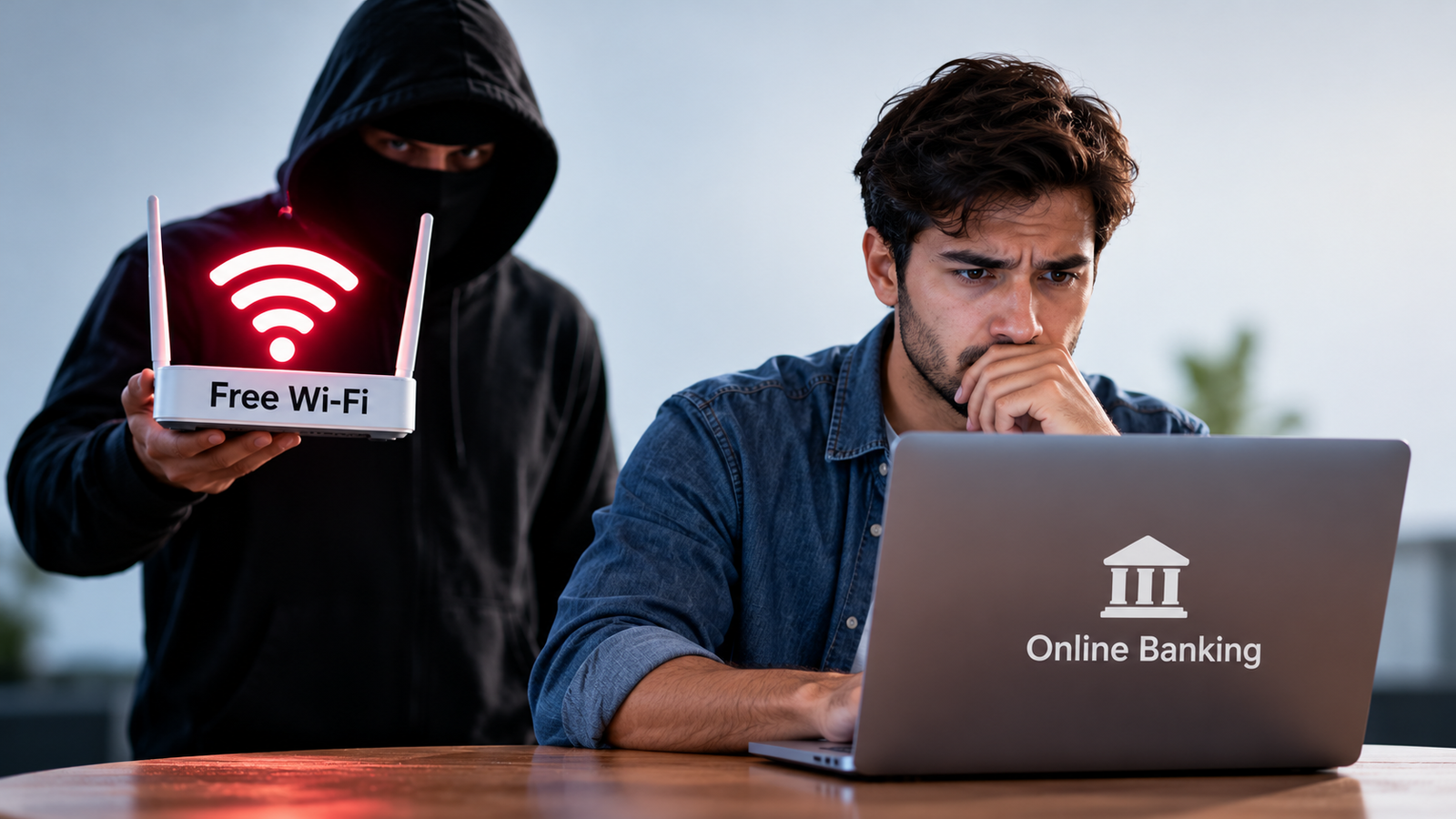
Public Wi-Fi makes it easy to connect to the internet when you are away from home. You can find free Wi-Fi in coffee shops, airports, hotels, shopping malls, and railway stations. It is useful when you want to check your emails, browse websites, or finish some work while travelling. But what happens when you need to check your bank balance or transfer money using the same network?
Many people connect to public Wi-Fi without thinking about the risks. However, not every public network is safe. Some networks may expose your personal information, while others may be created by scammers to trick people into sharing private details.
So, is public Wi-Fi safe for online banking? The answer is that it can be safe in some situations, but it is not the best choice when you have a safer option available. Modern banking apps and websites use security features to protect your information, but these features cannot protect you from every online threat.
In this article, we will explain how public Wi-Fi works, what risks you should know about, and how you can protect your bank account when using the internet away from home.
What Is Public Wi-Fi?
Public Wi-Fi is a wireless internet connection that people can use in shared places. It is often free, although some networks may require a password, a payment, or a quick sign-in before you can connect.
For example, when you visit a coffee shop, you might see a Wi-Fi network that customers can use. You connect your phone or laptop to that network, and you can access the internet without using your mobile data.
Public Wi-Fi is convenient because it helps you save mobile data and stay connected while travelling. However, you usually have less control over who manages the network and who else is connected to it.
Some public Wi-Fi networks are managed by trusted businesses that take security seriously. Others may have weak security settings or be set up by people who want to steal personal information. This is why you should be careful before using a public network for anything involving your money.
Is Public Wi-Fi Safe for Online Banking?
Public Wi-Fi is not always dangerous, but you should be careful when using it for online banking. The biggest concern is that you may connect to an unsafe network without knowing it.
Most modern banking apps and websites use encryption to protect information sent between your device and the bank. Encryption turns your information into a form that is difficult for outsiders to read. This helps protect details such as your login information and banking activity while they travel across the internet.
However, encryption does not make every online activity completely safe. For example, it cannot protect you if you enter your banking details into a fake website that looks like your bank’s official website. It also cannot stop you from sharing a one-time password (OTP) with a scammer.
Another risk is connecting to a fake Wi-Fi hotspot. A scammer might create a network with a name similar to that of a nearby café or hotel. If you connect to it, the person running the network may try to direct you to fake websites or trick you into revealing private information.
For these reasons, using mobile data for banking is usually the safer and simpler choice when you are away from home. If you must use public Wi-Fi, take a few precautions before signing in to your bank account.
What Are the Main Risks of Using Public Wi-Fi for Banking?
Understanding the risks can help you make better decisions when you connect to the internet outside your home. You do not need to be a technology expert to stay safe. You just need to know what to look out for.
1. Fake Wi-Fi Networks
One of the biggest risks is connecting to a fake Wi-Fi network. Scammers sometimes create networks with names that look similar to those of trusted places.
For example, imagine you are sitting in a coffee shop and see two networks named “CoffeeShop_Free” and “Coffee_Shop_Free_WiFi.” One might belong to the café, while the other could have been created by someone trying to trick customers.
If you connect to a fake network, you may be directed to suspicious websites or exposed to other security risks. This does not mean that everyone running a public Wi-Fi network is a scammer. It simply means that you should check the network name before connecting.
What you can do: Ask the staff for the correct Wi-Fi name and avoid connecting to networks you cannot identify.
2. Hackers Trying to Steal Your Information
Some attackers try to intercept information sent over poorly secured networks. This may include personal details, website activity, or other information that is not properly protected.
Modern banking websites usually encrypt information, which makes it much harder for outsiders to read. However, weak device security, unsafe websites, or other mistakes can still put your information at risk.
For example, if you visit a fake banking website and enter your username and password, the scammer may be able to use those details to try to access your account.
What you can do: Use your bank’s official app or type its verified website address into your browser. Never enter banking details on a website you do not trust.
3. Fake Banking Websites
Scammers often create websites that look almost identical to real banking websites. They may use similar logos, colours, and page layouts to make the website appear genuine.
You might receive a message claiming that your bank account will be blocked unless you sign in immediately. The message may include a link to a fake login page.
If you enter your banking details on that page, the scammer could collect them. A secure connection alone does not prove that a website is genuine. Even a fake website can use HTTPS encryption.
What you can do: Avoid clicking banking links in unexpected emails or text messages. Open your banking app directly or enter the bank’s official website address yourself.
4. Weak Security on Your Device
Public Wi-Fi is not the only possible source of danger. Your phone or laptop may also have security weaknesses if you have not updated its software or if you use unsafe apps.
Older software may contain known security problems that attackers can try to exploit. If you also use weak passwords or leave important accounts signed in on a shared computer, you may face additional risks.
What you can do: Keep your phone, laptop, browser, and banking app updated. Use a strong, unique password wherever a password is required, and enable two-factor authentication if your bank offers it.
Is It Safe to Use Banking Apps on Public Wi-Fi?
Many people believe that banking apps are completely safe because they are installed on their phones. Banking apps from legitimate providers usually have security features designed to protect users and their financial information.
However, using a banking app does not remove every risk associated with public Wi-Fi. Your safety also depends on the network, your device, and whether you are using the genuine app.
For example, if you connect to a fake hotspot, your banking app may still protect its connection through encryption. But if someone tricks you into sharing an OTP, installing a harmful app, or approving a fraudulent payment, the app’s security features may not prevent the loss.
A banking app is generally a better choice than entering sensitive details into an unfamiliar website, but neither option should be treated as completely risk-free.
If you need to check your balance, transfer money, or pay a bill while travelling, using your mobile network is a sensible choice.
Public Wi-Fi vs Mobile Data for Online Banking
Both public Wi-Fi and mobile data let you access your bank account online. However, they offer different levels of control over the connection.
| Feature | Public Wi-Fi | Mobile Data |
| Availability | Available in many public places | Requires mobile network coverage |
| Cost | Often free | Uses your mobile data plan |
| Network control | Usually managed by someone else | Uses your mobile carrier’s network |
| Security concerns | Fake hotspots and weak network security | Device security and online scams remain possible |
| Best choice for banking | Avoid when possible | Generally the safer option |
Mobile data is usually the better choice for online banking because you do not have to rely on an unfamiliar public Wi-Fi network. However, it is not a guarantee against every type of online fraud. You still need to use official banking services and protect your device.
7 Tips to Stay Safe While Using Public Wi-Fi
If you regularly use public Wi-Fi while travelling, studying, or working, a few simple habits can help protect your personal information.
1. Use Mobile Data for Banking
The easiest way to reduce the risks of public Wi-Fi is to avoid using it for sensitive activities.
If you need to transfer money or check your bank account, disconnect from public Wi-Fi and switch to your phone’s mobile data. You can reconnect to public Wi-Fi when you return to ordinary browsing.
If mobile data is unavailable, consider waiting until you have access to a trusted network before completing the transaction.
2. Check the Website Address Carefully
Before entering your banking details, make sure you are using your bank’s genuine website.
Look for HTTPS at the beginning of the website address. It indicates that the connection is encrypted. However, remember that HTTPS does not guarantee that a website belongs to a trusted company.
Check the spelling of the website address and be careful with links received through unexpected messages. If something looks unusual, close the page and open your bank’s official app instead.
3. Avoid Automatic Wi-Fi Connections
Many phones can connect automatically to Wi-Fi networks they have used before. This feature is convenient, but it can sometimes cause your device to connect to an unexpected or untrusted network.
Check your phone’s Wi-Fi settings and turn off automatic connections to public networks where possible. You can also remove saved networks that you no longer use.
This gives you more control over which networks your device connects to.
4. Use Strong Passwords and Two-Factor Authentication
Your banking password should be difficult for other people to guess. Avoid using simple passwords such as your name, date of birth, or common number combinations.
It is also important not to reuse the same password across multiple accounts. If one account is compromised, reused passwords can put your other accounts at risk.
Where available, enable two-factor authentication. This adds another security step when signing in. Depending on your bank, this could involve an OTP, an authenticator, or another verification method.
Never share an OTP or approve a login request that you did not initiate.
5. Keep Your Phone and Banking App Updated
Software updates often fix security problems and improve how your device protects your information.
If you ignore updates for a long time, your phone or laptop may remain exposed to known security weaknesses.
Install updates from official sources, such as your phone’s app store or the device manufacturer’s settings. Avoid downloading banking apps from unknown websites or links sent by strangers.
6. Consider Using a Trusted VPN
A virtual private network, commonly called a VPN, creates an encrypted connection between your device and a VPN server. This can help protect some of your internet traffic when you use public Wi-Fi.
However, a VPN does not make every online activity safe. It cannot guarantee protection against fake banking websites, phishing messages, harmful apps, or scams. Your VPN provider also matters, so choose a reputable service with clear privacy practices.
For most people, switching to mobile data for online banking is a simpler option than relying on a VPN.
7. Log Out and Check Your Bank Account
When you finish using online banking through a browser, log out of your account. Do not leave your banking session open on a shared or public computer.
It is also a good idea to check your recent transactions regularly. Look for payments or transfers you do not recognise, even if you believe you have used a secure connection.
If you notice anything suspicious, contact your bank through its official app, website, or phone number as soon as possible.
What Should You Do If You Have Already Used Public Wi-Fi for Online Banking?
If you have already checked your bank account or transferred money using public Wi-Fi, there is no need to panic. Using public Wi-Fi does not automatically mean that your information has been stolen.
The important thing is to consider what happened and look for any signs of suspicious activity.
Start by checking your recent bank transactions. If everything looks normal, continue following good security practices. If you entered your details on a suspicious website, connected to a network you now believe was fake, or received an unexpected banking alert, take extra precautions.
Here are the steps you should follow if you suspect a problem:
- Check your transactions: Look for payments, withdrawals, or transfers you do not recognise.
- Contact your bank: Use the official phone number or banking app to report suspicious activity.
- Change your password: If you entered your password on a suspicious website, change it through your bank’s official service. If you reused that password elsewhere, change it on those accounts too.
- Secure your account: Follow your bank’s instructions to block access, freeze a card, or stop suspicious transactions if necessary.
- Watch for further warnings: Pay attention to unexpected OTPs, login alerts, or messages about transactions you did not make.
Act quickly if money has been taken from your account or you believe someone has gained access. Your bank can explain the steps available to protect your account and report unauthorised transactions.
Common Mistakes to Avoid When Using Public Wi-Fi
Even careful people can make mistakes when connecting to public networks. The good news is that many of these mistakes are easy to avoid.
One common mistake is assuming that free Wi-Fi provided by a well-known business must be safe. A genuine business may offer a legitimate network, but you should still confirm its name and avoid unnecessary banking activity on it.
Another mistake is believing that a lock symbol in the browser means a website is completely trustworthy. The symbol indicates an encrypted connection, not that the website owner is honest.
You should also avoid downloading unknown apps, opening suspicious links, or accepting unexpected security alerts while connected to public Wi-Fi. These actions can create risks even when your internet connection is protected.
Finally, do not assume that having a VPN or banking app means you can ignore other safety measures. Good security comes from combining trusted services, updated devices, careful browsing, and sensible decisions.
Is a Password-Protected Public Wi-Fi Network Safe?
A password-protected Wi-Fi network is generally preferable to an open network, but a password alone does not guarantee safety.
For example, a hotel may give every guest the same Wi-Fi password. Although the network requires a password, many different people can still connect to it. You may not know who manages the network or how well it is protected.
The security also depends on the network’s encryption and configuration. A strong network password and modern security settings can help protect the wireless connection, but they do not eliminate risks such as fake websites or phishing scams.
If you are unsure whether a network is trustworthy, avoid using it for banking and other sensitive activities. Mobile data remains a practical alternative.
Final Thoughts
So, is public Wi-Fi safe for online banking? It can be reasonably safe in some situations because most modern banking apps and websites use encryption to protect information. However, risks such as fake hotspots, phishing websites, and compromised devices still exist.
The simplest way to reduce these risks is to use mobile data whenever you need to access your bank account away from home. If you must use public Wi-Fi, check the network name, use official banking services, keep your device updated, and never share your password or OTP with anyone.
You do not need advanced technical knowledge to protect yourself online. A few careful habits can make a meaningful difference and help you manage your money with greater confidence.
Frequently Asked Questions
Q1. Can hackers steal my bank details through public Wi-Fi?
Answer:
Yes, it is possible, especially if you connect to a fake network, visit a fraudulent website, or use a service that does not protect your information properly. Modern banking apps and websites use encryption, which reduces the risk of someone reading your banking information while it travels across the internet. However, you should still avoid banking on unfamiliar public networks when possible.
Q2. Is it safe to check my bank balance using public Wi-Fi?
Answer:
Checking your bank balance through a genuine banking app or secure website may be reasonably safe because these services usually protect your connection. However, using mobile data is generally a safer choice. If you use public Wi-Fi, confirm that the network is legitimate and access your account through your bank’s official app or website.
Q3. Does a VPN make online banking safe on public Wi-Fi?
Answer:
A trusted VPN can add protection by encrypting your internet traffic between your device and the VPN server. However, it cannot protect you from every threat, including fake banking websites, phishing scams, or sharing your OTP with someone else. A VPN is an extra security measure, not a complete solution. Using mobile data for banking is often simpler.
Q4. What should I do if I accidentally used public Wi-Fi for a bank transfer?
Answer:
Do not panic. Check your bank account and confirm that the transfer was completed correctly. If you used your genuine banking app or website and there are no suspicious transactions, there may be no reason to worry. However, if you connected to a suspicious network, entered details on an unfamiliar website, or notice activity you did not approve, contact your bank immediately and follow its security instructions.