

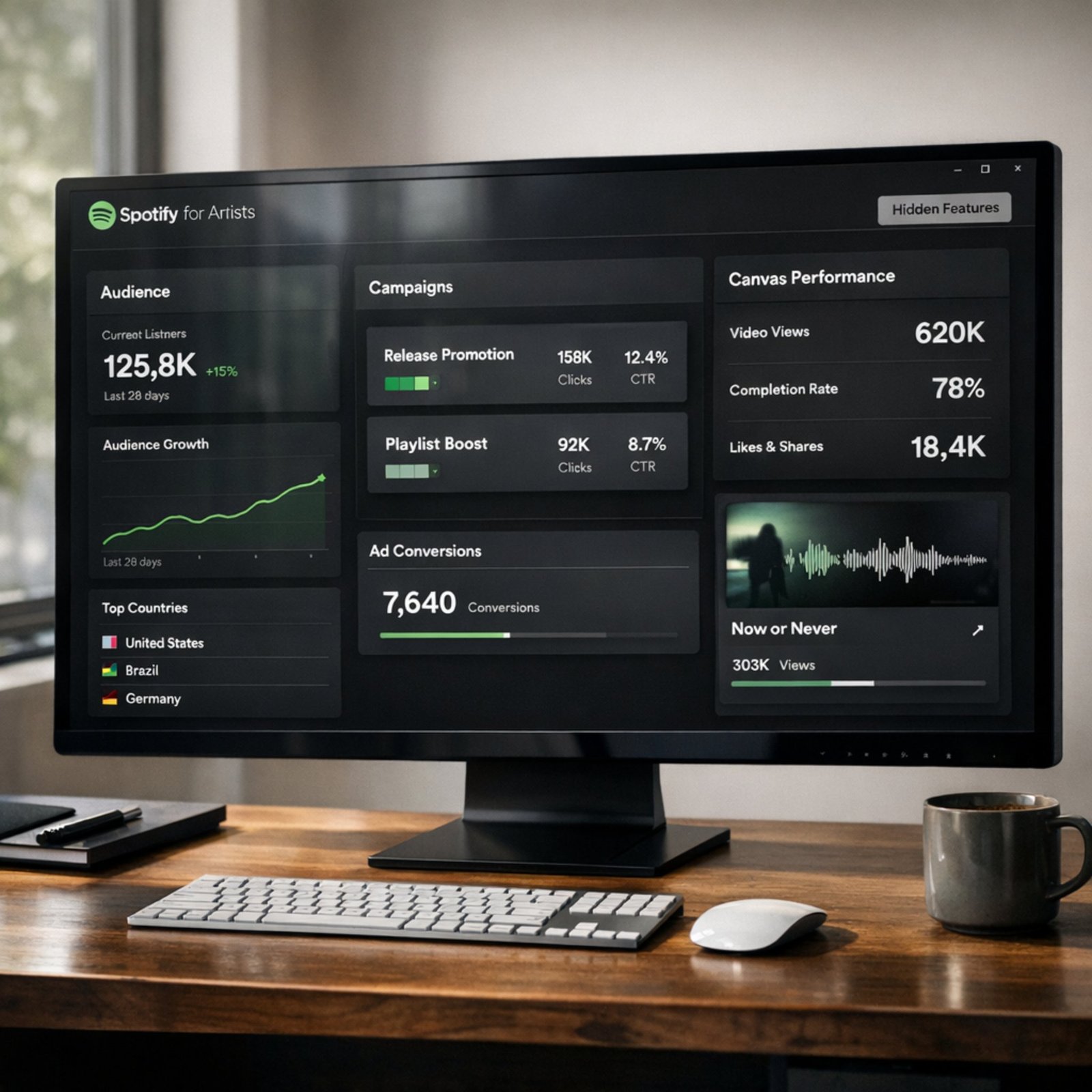
Spotify for Artists can feel “basic” at first post a photo, check streams, move on. However, the platform has several underused tools that can directly improve how you release music, measure momentum, and spend promo money with fewer regrets.
In this guide, I’ll break down five hidden-in-plain-sight Spotify for Artists features, including a practical Spotify Canvas tutorial and what to know about Spotify Marquee cost before you ever fund a campaign.
Helpful official starting point: Spotify’s portal for artists: claim your artist profile
1) Audience Segments + “Source of Streams”
Most musicians look at total streams. That’s the fastest way to miss what’s actually working. Instead, open Spotify for Artists and study who is listening and how they found you.
What to look for inside Spotify for Artists
First, go to your Audience / Music tabs and compare these views:
- New listeners vs. returning listeners
- Active audience segments (how Spotify buckets listener relationships over time)
- Source of streams (where streams came from)
Then, ask one simple question: Are you growing because of your content, or because of one temporary placement?
How to use “Source of streams” to make better decisions
Next, use this quick interpretation framework:
- Algorithmic (Discover Weekly / Radio / Mixes) rising: your track is “sticking.” Keep feeding it traffic.
- User playlists rising: double down on outreach, because people are curating you.
- Editorial spike only: good signal, but build a plan for after the spike fades.
Moreover, compare sources week over week. If algorithmic streams rise after a short social push, you’ve found a repeatable loop.
2) Editorial pitching timing and the metadata checklist people skip
The pitching tool is not “set it and forget it.” It’s a workflow. And the hidden advantage is timing plus completeness.
Spotify explains the editorial pitching flow in its help documentation (start here and follow the in-dashboard prompts):
Pitching music to Spotify playlist editors
The pitching window that gives you leverage
First, deliver your release early enough to pitch before release day. That lead time gives editors a chance to review, and it also helps you avoid last-minute metadata mistakes.
A pre-pitch checklist that improves clarity
Before you pitch inside Spotify for Artists, tighten these items:
- Accurate genre + mood choices (don’t “game” it be precise)
- A clear “what’s the story?” description (1–2 lines beats a novel)
- Clean credits (features, producers, writers)
- Your strongest hook timestamp (tell editors where the moment is)
In addition, don’t ignore your Artist Profile when pitching. If your bio, photos, and “Artist Pick” are outdated, you look inactive even if your song is great.
3) Conversion metrics
Streams are vanity without conversion. The more useful question is: Did listeners take an action that predicts future listens? Spotify for Artists exposes those action signals you just have to treat them like KPIs.
The 3 metrics that matter more than raw streams
Next time a song starts moving, track:
- Saves (especially saves per listener)
- Playlist adds (personal libraries + user playlists)
- Follower growth during the song’s first 7–28 days
Why? Because these actions often correlate with longer-term algorithmic support, while one-day spikes often disappear.
A simple way to read your song’s “health”
Use this quick diagnostic:
- High streams + low saves: people sampled, but didn’t commit. Tighten the first 15 seconds, cover art, and preview clips.
- Moderate streams + strong saves: the track is a grower. Keep running content and light ads.
- Playlist adds rising: prioritize playlist outreach and create “sounds like” positioning.
Moreover, watch whether your followers rise after a good week. If not, your profile funnel needs work (see section #4 for tracking).
4) Profile links with UTM tracking + a practical Spotify Canvas tutorial
This is where a lot of artists leave money on the table. Spotify for Artists lets you shape your profile experience, and you can measure what happens after someone visits.
Add trackable links (so you know what converts)
If you link out to merch, a YouTube video, or a landing page, add UTM parameters so you can track clicks in analytics tools.
Google’s official UTM guide is here:
Collect campaign data with custom URLs
For example, you can tag a link from your Spotify profile like:
- utm_source=spotify
- utm_medium=artist_profile
- utm_campaign=new_single
Therefore, you’ll know if Spotify traffic actually buys, subscribes, or follows elsewhere.
Spotify Canvas tutorial (fast, clean, and on-brand)
Canvas is one of the most ignored attention tools on the platform. Spotify’s official Canvas documentation.
Here’s a practical Spotify Canvas tutorial you can execute in one session:
- Choose a 3–8 second loop that matches the track’s emotion.
- Keep the subject large and readable on a phone screen.
- Avoid tiny text (most people won’t read it).
- Use a seamless loop (jump cuts feel cheap).
- Export in the format Spotify asks for inside Spotify for Artists.
In addition, keep a repeatable “visual system” per era similar colors, camera style, or typography. That consistency makes your catalog feel intentional.
If you want more practical music + tech growth guides, Legitloaded has ongoing coverage you can bookmark: https://legitloaded.com/
5) Spotify campaigns: what to know about Spotify Marquee cost
Spotify’s in-house promo tools can work, but only if you understand what you’re paying for and what success looks like.
Marquee vs. Showcase
Spotify uses campaigns to surface your release to listeners who are likely to care. In practice:
- Marquee is a sponsored recommendation for new releases.
- Showcase is another campaign format designed to drive targeted listening.
Because availability and eligibility can change, rely on Spotify’s official campaigns info inside the platform and documentation.
(If that page redirects, use Spotify for Artists Help and search “Marquee” or “Showcase”: Spotify Support
Spotify Marquee cost: what’s actually predictable
People search Spotify Marquee cost hoping for a fixed price. Spotify does not present Marquee as a single flat fee in its official materials. Instead, what you can usually control is:
- Your budget (how much you want to spend)
- Targeting/market choices (where the campaign runs)
- The audience size available (which influences delivery)
Therefore, the smarter approach is not asking “How much does Marquee cost?” but asking:
- “What is my target cost to generate a listener who saves?”
- “Do I have proof this song converts before I scale spend?”
A safer way to run your first campaign
Before spending, do this in order:
- Prove conversion first (saves + follower lift) with organic content.
- Start small and measure performance for 48–72 hours.
- Watch the post-campaign curve, not just day-one streams.
- Only scale if saves and repeat listening stay healthy.
Moreover, keep screenshots of your baseline metrics before the campaign. That makes the lift easy to judge later.
Conclusion
If you do nothing else this week:
- Audit Source of streams and audience segments.
- Pitch releases earlier with a tighter story.
- Track saves, playlist adds, and follower lift as your KPI stack.
- Add UTM links and publish Canvas for key tracks.
- Treat Marquee as a scaling tool, not a “fix my song” button.
Spotify for Artists helps musicians manage their artist profile, view audience insights, pitch unreleased music for editorial consideration, and access promo tools. It also shows key performance metrics like streams, listeners, saves, and playlist adds, so you can improve releases based on real listener behavior.
Open Spotify for Artists, select a track that’s eligible, then upload a short looping visual that matches Spotify’s Canvas specs. Keep it simple and readable on mobile. Spotify’s official Canvas help page lists the latest file requirements and submission steps.
Canvas can improve the listening experience and make your track feel more “alive,” especially on mobile. However, Spotify does not guarantee higher streams from Canvas alone. Use Canvas alongside strong hooks, consistent content, and save-focused release strategy for best results.
Spotify Marquee cost isn’t a single fixed price in official documentation. Typically, you choose a budget and campaign settings, and Spotify delivers the campaign based on available audience and market factors. The best approach is to start with a small test budget, then scale only if saves and repeat listening stay strong.
You pitch inside Spotify for Artists by submitting an unreleased track before release day and completing the pitch form. Add accurate genre/mood, a short story, and key details like language and instruments. Spotify’s help center explains the pitching process and requirements.