

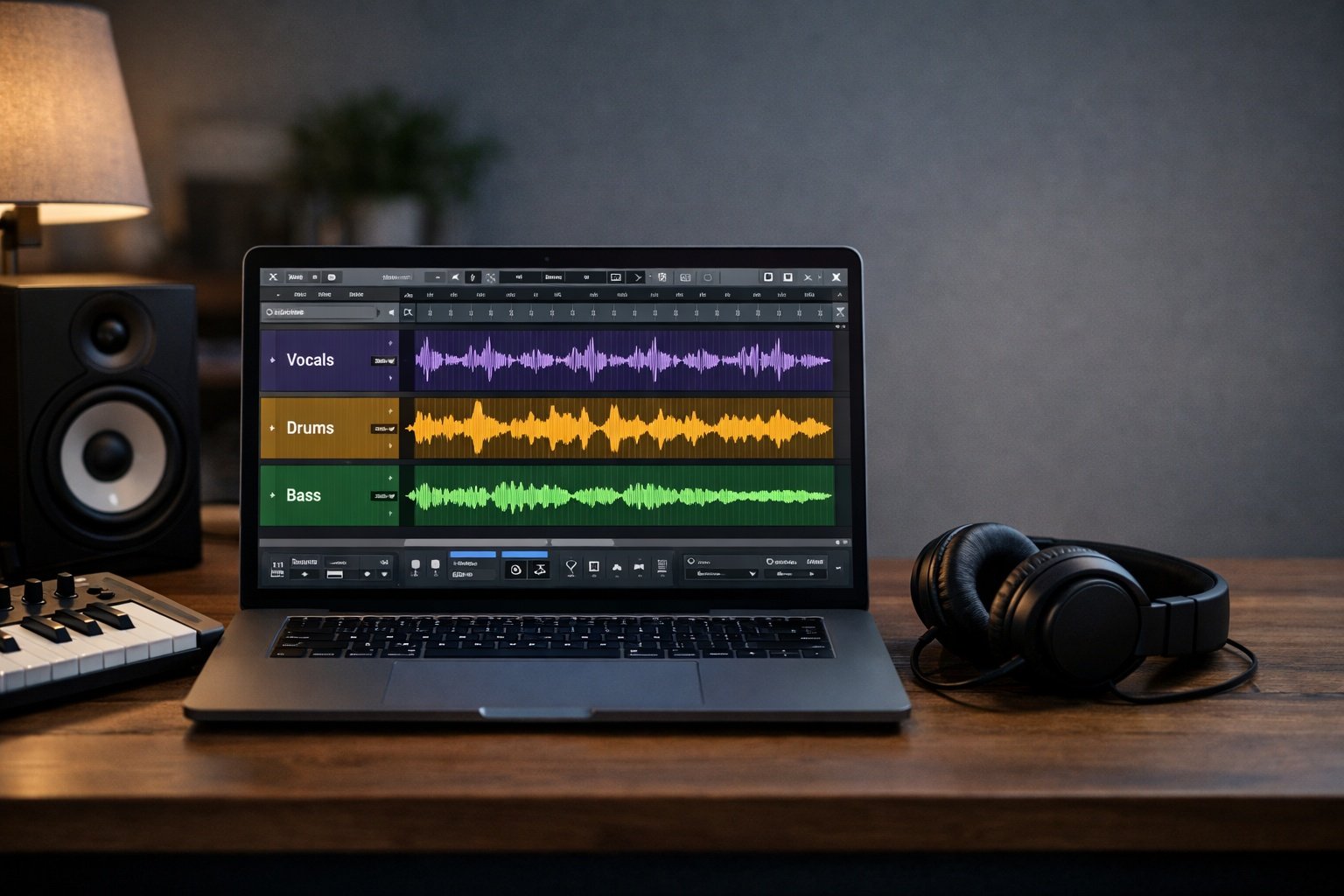
AI stem splitter tools have completely changed how producers approach remixing and sampling. Instead of digging for rare acapellas or studio multitracks, you can now extract vocals from song AI systems in minutes.
An AI stem splitter uses machine learning to separate a full track into individual elements like vocals, drums, bass, and instrumentals. For DJs, remix artists, and home studio producers, this means faster workflow, cleaner edits, and more creative control.
In this in-depth AI stem separation review, we tested the most popular stem splitter tools based on:
- Separation quality
- Artifact reduction
- Output formats (WAV, MP3, FLAC)
- Workflow speed
- Remixing and sampling usability
- Free vs paid value
If you’re serious about upgrading your remixing tools or sampling audio tools in 2026, this guide will save you hours of trial and error.
What to Look for in the Best AI Stem Splitter
Before choosing the best stem separation software, here’s what actually matters.
Separation Quality
First and foremost, clarity is everything. A good AI stem splitter should:
- Minimize digital artifacts
- Preserve high-end detail
- Maintain stereo imaging
Cheap vocal remover tools often leave warbling or phasing artifacts. Premium tools reduce this significantly.
Number of Stems
There’s a big difference between:
- 2-stem separation (vocals + instrumental)
- 4–6 stem separation (vocals, drums, bass, piano, guitar, others)
For serious remixing tools, multi-stem support is essential.
Output Formats
Look for WAV or FLAC exports if you’re sampling professionally. MP3 is fine for casual edits, but lossy formats degrade audio during further processing.
Workflow Speed
Cloud-based tools are fast and convenient. However, offline tools give you more control and privacy.
Free vs Paid Options
Free stem splitter tools are useful for testing. However, paid tools generally deliver cleaner stems and better instrument isolation.
7 Best AI Stem Splitter Tools for Remixing & Sampling
Below are the best AI stem separation tools currently available.
1. StemSplit – Best Overall Value
Official site: https://stemsplit.com
StemSplit impressed us immediately. It offers pay-as-you-go pricing without subscriptions, which is rare in the AI stem splitter space.
Key Features
- Multi-stem separation
- WAV export support
- No subscription required
- Fast cloud processing
Pros
- Excellent value
- Clean vocal remover performance
- Simple interface
Cons
- Not as advanced as iZotope RX
- Limited extra production tools
Pricing
- Pay-per-track model
- No recurring fees
Best For
Producers who want professional-quality stem splitter tools without long-term commitments.
2. LALAL.AI – Best for Deep Vocal Isolation
Official site: https://www.lalal.ai
LALAL.AI is one of the most well-known extract vocals from song AI tools on the market.
Key Features
- Advanced neural networks
- Instrument-specific separation
- Batch uploads
Pros
- Very clean vocal extraction
- Great for acapella creation
Cons
- Credit-based pricing
- Can get expensive
Pricing
- Free preview
- Paid credits for full exports
Best For
Remix artists who prioritize vocal clarity above all else.
3. Moises.ai – Best All-in-One Remix Tool
Official site: https://moises.ai
Moises goes beyond being just a vocal remover. It integrates BPM detection, pitch shifting, and chord analysis.
Key Features
- Multi-stem separation
- Tempo & pitch control
- Cloud storage
Pros
- Ideal for DJs
- Integrated remixing tools
Cons
- Free plan limited
- Monthly subscription required for advanced features
Pricing
- Free basic plan
- Paid monthly tiers
Best For
DJs and producers who want a full remixing ecosystem.
4. BandLab Splitter – Best Free Cloud Option
Official site: https://www.bandlab.com
BandLab offers a completely free AI stem splitter integrated with its cloud DAW.
Key Features
- Free multi-stem separation
- Cloud editing
- Social collaboration
Pros
- 100% free
- Great for beginners
Cons
- Separation quality varies
- Limited advanced controls
Best For
Home studio users testing sampling audio tools without spending money.
5. Coolo AI Stem Splitter – Clean Interface & Multi-Instrument Support
Coolo AI focuses on ease of use.
Key Features
- Multi-instrument isolation
- Clean UI
- Quick export
Pros
- Beginner-friendly
- Balanced quality
Cons
- Fewer advanced settings
Best For
Producers who want simple stem splitter tools without technical setup.
6. UVR5 Ultimate Vocal Remover – Best Open-Source Option
UVR5 is a powerful open-source best stem separation software option.
Key Features
- Offline processing
- Multiple AI models
- Advanced customization
Pros
- Free
- Extremely powerful
Cons
- Steeper learning curve
- Requires setup
Best For
Advanced producers comfortable with technical configurations.
7. VocalRemover.org – Best Basic Free Tool
Official site: https://vocalremover.org
A quick and completely free vocal remover.
Pros
- No signup required
- Fast processing
Cons
- Only 2-stem separation
- Noticeable artifacts
Best For
Quick acapella extraction for casual projects.
AI Stem Splitter Comparison: Quality, Pricing & Features
| Tool | Quality | Stems | Output | Pricing | Best For |
|---|---|---|---|---|---|
| StemSplit | High | Multi | WAV/MP3 | Pay-as-you-go | Value |
| LALAL.AI | Very High | Multi | WAV | Credit-based | Clean vocals |
| Moises | High | Multi | WAV/MP3 | Subscription | DJs |
| BandLab | Medium | Multi | MP3/WAV | Free | Beginners |
| Coolo | Medium-High | Multi | WAV | Paid | Simplicity |
| UVR5 | Very High | Multi | WAV | Free | Advanced users |
| VocalRemover | Low-Medium | 2 | MP3 | Free | Quick edits |
How to Get Better Results From Any AI Stem Splitter
- Always upload the highest quality file possible.
- Use WAV instead of MP3 for sampling workflows.
- Layer extracted vocals with EQ to reduce artifacts.
- For remixing, isolate drums and bass separately to avoid phase issues.
For more music production tools, see our AI music tools hub .
Also, learn remixing basics in our Ultimate Remixing Guide.
FAQ
What is the difference between 2-stem and multi-stem separation?
2-stem separation splits vocals and instrumentals only. Multi-stem separation isolates drums, bass, and other elements separately, which is far more useful for professional remixing tools.
Are free stem splitters worth using?
Free tools are good for testing. However, paid AI stem splitter platforms deliver better clarity and fewer artifacts.
Can AI stem splitters fully isolate vocals without artifacts?
Not perfectly. However, modern AI stem separation review results show major improvements compared to earlier technology.
Which stem splitter works best for DJs vs producers?
DJs benefit from Moises because of BPM tools. Producers who prioritize clean sampling audio tools often prefer StemSplit or UVR5.
Conclusion
AI stem splitter technology has matured dramatically. Today, producers can extract vocals from song AI systems in minutes instead of hours.
If you want the best balance of quality and pricing, StemSplit is our top recommendation. However, advanced users may prefer UVR5, while DJs will appreciate Moises.
Try these stem splitter tools today and level up your remixing workflow.
For more expert breakdowns, explore additional production guides right here on LegitLoaded.