

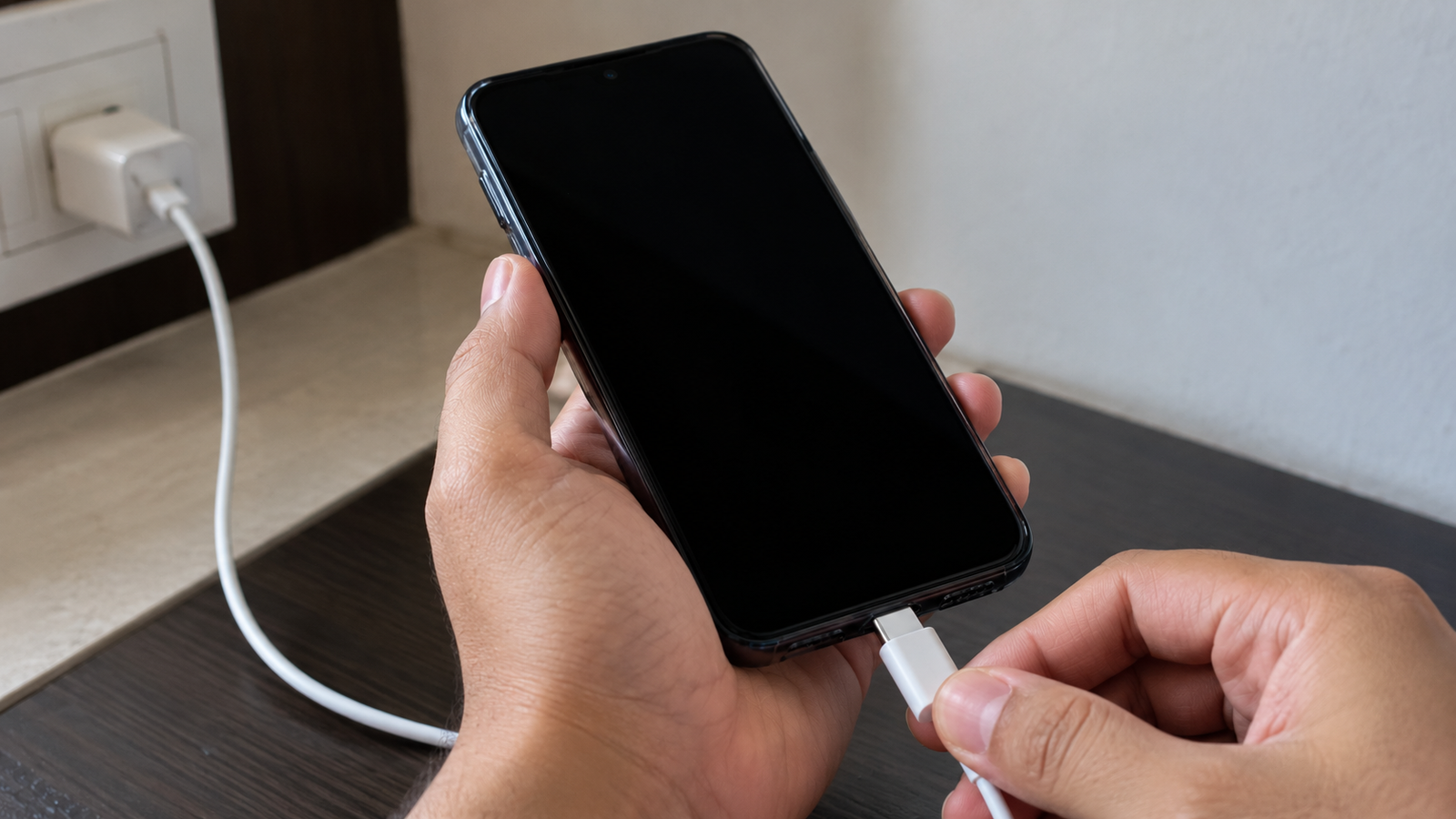
Imagine you are using your phone normally, and everything is working fine. You plug in the charger, expecting the battery to start charging, but suddenly the screen turns black. You try pressing the power button, unplugging the charger, or connecting it again, but the screen still does not come back.
This situation can be worrying, especially when you do not know what caused it. You might wonder whether your phone is damaged, the battery has stopped working, or the charger has caused a problem.
The good news is that a black screen does not always mean your phone is permanently damaged. Sometimes, it can happen because of a temporary software problem, an issue with the charger, overheating, or a battery problem. Understanding what happens when you connect your phone to a charger can help you find the right solution.
In this article, we will explain why your phone screen may suddenly go black when you plug in the charger and what you can do to fix it.
Why Does My Phone Screen Go Black When I Plug in the Charger?
There can be several reasons why your phone screen turns black after connecting the charger. The most important thing is to notice whether the phone shuts down completely or only the display stops working.
For example, if your phone still rings, vibrates, or makes notification sounds while the screen remains black, the phone may still be running. In this case, the problem could be related to the display or software.
However, if the phone does not respond at all, the issue might be related to the battery, charging system, or another internal component.
Let’s look at some common reasons behind this problem.
1. Your Charger or Charging Cable May Be Faulty
One possible reason is a damaged charger or charging cable. If the cable is broken internally, the adapter is faulty, or the charging connection is unstable, your phone may not charge properly.
You might notice that the screen goes black every time you connect the charger or that the phone starts working again after you unplug it.
To check whether the charger is causing the problem, try using a compatible charger and cable that you know are working properly. Also, check the charging cable for visible damage and make sure the charging port is free from visible dirt.
Avoid using damaged charging accessories. If the phone continues to go black with a different charger, the problem may be somewhere else.
2. Your Phone May Be Overheating
Phones can become warm while charging, especially when you use them for gaming, video streaming, or other demanding activities.
If your phone becomes too hot, it may reduce performance, stop charging temporarily, or shut down to protect its internal components. In some cases, you may notice a black screen.
If your phone feels unusually hot, unplug the charger if it is safe to do so and let the phone cool down naturally in a well-ventilated place. Remove the phone case if it is trapping heat.
Do not put your phone in a refrigerator or freezer to cool it quickly. Sudden temperature changes can cause additional damage.
If overheating happens repeatedly during normal charging, have the phone checked by a qualified technician.
3. A Temporary Software Problem May Be Causing the Black Screen
Sometimes, your phone may experience a software glitch. This means the operating system or an app temporarily stops working as expected.
For example, your phone might freeze when you connect the charger, leaving the display black even though the phone has not completely shut down.
A temporary software issue can sometimes be fixed by restarting the phone. Follow the manufacturer’s instructions for performing a force restart on your specific model.
If the phone starts working again, check whether a software update is available and install it if appropriate. Keeping your phone software updated can help fix known bugs.
However, if the screen repeatedly goes black whenever you plug in the charger, do not assume that software is the only cause. The charging system or display may also need to be checked.
4. Your Phone Battery May Have a Problem
An old or damaged battery can sometimes cause unexpected shutdowns. You may notice that your phone turns off suddenly, the battery percentage changes quickly, or the phone struggles to start even after being connected to a charger.
These symptoms can indicate that the battery is no longer working properly.
If your phone is several years old, its battery may have lost some of its original capacity. However, a black screen alone is not enough to confirm that the battery needs replacement.
Try charging your phone with a compatible charger for the period recommended by the manufacturer, then check whether it responds. If the phone continues to shut down or fails to start, a technician can test the battery and charging system.
If the battery appears swollen, the phone’s body is separating, or you notice an unusual smell, stop using the device and seek professional help.
5. The Phone Display May Have Stopped Working
What if your phone is still running, but the screen stays completely black?
In this situation, the display itself may be the problem. A damaged screen, a loose internal connection, or a display component failure can prevent the screen from showing anything.
You may be able to identify this possibility if your phone still receives calls, vibrates, or makes notification sounds even though nothing appears on the display.
If this happens, avoid repeatedly pressing buttons or attempting to open the phone yourself. A qualified repair technician can inspect the display and internal connections to determine what needs attention.
How to Fix a Phone Screen That Goes Black When Charging
Before assuming that your phone needs an expensive repair, try a few simple troubleshooting steps.
Step 1: Unplug the Charger
Disconnect the charger and check whether the screen comes back. If it does, the charger, cable, charging port, or charging system may be involved.
If the phone is unusually hot, let it cool down before trying again.
Step 2: Restart Your Phone
If the screen remains black, try a normal restart if possible. If the phone does not respond, follow the manufacturer’s instructions for a force restart.
The button combination differs between phone models, so use the instructions for your particular device.
Step 3: Try a Different Compatible Charger
Use a compatible charger and cable that are known to work properly. Plug the phone into a suitable power source and check whether the screen responds.
Do not continue testing with damaged accessories or a charger that causes unusual heat, smells, or sounds.
Step 4: Check Whether Your Phone Is Still Working
Call your phone from another device or listen for notification sounds. If the phone rings or vibrates while the display remains black, the issue may be related to the screen rather than a complete shutdown.
Step 5: Get Professional Help if the Problem Continues
If none of these steps works, the phone may have a battery, display, charging port, or internal hardware problem.
A repair technician can test the device and identify the cause. Avoid opening the phone yourself, especially if you suspect battery damage.
When Should You Worry About This Problem?
A single black-screen incident may be temporary, but repeated problems should not be ignored.
You should arrange a professional inspection if your phone keeps shutting down when charging, refuses to turn on, or repeatedly becomes unusually hot.
Stop using the phone if the battery is swollen, you notice a burning smell, or there are signs of smoke or electrical damage. Disconnect the charger only if it is safe to do so, and keep the device away from flammable materials.
It is better to identify the cause early than to risk further damage by repeatedly connecting the charger.
Frequently Asked Questions
Q1. Why does my phone screen turn black immediately after plugging in the charger?
Answer:
This can happen because of a temporary software problem, a faulty charger, overheating, or an issue with the battery or display. Try disconnecting the charger and restarting your phone. If the problem happens repeatedly, have the device checked.
Q2. Why is my phone screen black, but the phone is still working?
Answer:
If your phone still rings, vibrates, or receives notifications, the device may still be running while the display is not working properly. A software glitch or display hardware problem could be responsible.
Q3. Can a faulty charger damage my phone?
Answer:
A damaged or poor-quality charger can create charging problems and may pose a safety risk. Use a compatible charger from a reliable manufacturer and stop using any accessory that becomes unusually hot or shows visible damage.
Q4. What should I do if my phone does not turn on after charging?
Answer:
Check for signs of overheating or battery damage first. If everything appears normal, try a compatible charger and follow the manufacturer’s recommended charging and restart instructions. If the phone remains unresponsive, contact a qualified repair technician.
Conclusion
A phone screen that suddenly goes black when you plug in the charger can be frustrating, especially when the device was working normally just a moment earlier. However, it does not always mean your phone is permanently damaged.
The cause could be something simple, such as a temporary software glitch or a faulty charging cable, but battery, display, and internal hardware problems are also possible.
Start with safe, basic troubleshooting steps and pay attention to how your phone behaves. If the screen keeps going black or your phone shows signs of damage, professional inspection is the safest way to find the actual cause and get your device working properly again.